
Distinguishing the Two Types of Battery Life
When customers ask me, “How long should a vacuum cleaner battery last?”, they are usually asking two very different questions without realizing it. There is the immediate frustration of a vacuum dying halfway through the living room, and then there is the long-term worry that the battery pack itself is dead after just two years of ownership.
To understand the value of your cordless stick vacuum, we have to separate runtime (minutes per clean) from lifespan (years of service).
Runtime (Per Clean): Understanding mAh and Run Time
Think of the mAh rating (milliampere-hour) as the size of the gas tank in your car. A higher number generally means you hold more energy. However, cordless vacuum runtime isn’t determined by the battery size alone; it depends heavily on how efficiently the vacuum’s motor uses that power.
At Van4NU, we focus on balancing high-capacity cells with efficient motors. A standard battery might offer anywhere from 20 to 60 minutes of operation, but this number fluctuates wildly based on the floor surface. Thick carpets require more energy to spin the brush bar than hard floors, draining the mAh rating faster even if you don’t change settings.
The Max Mode Trap: High Suction vs. Eco Modes
This is the most common misunderstanding in the industry. You might see a “60-minute runtime” advertised on the box, but that specific number almost always applies to the lowest power setting.
- Eco Mode: Designed for hard floors and light dust. This is where you get maximum runtime.
- Turbo Mode: Delivers maximum suction for deep cleaning carpets but creates a massive energy draw.
If you run your device constantly in Turbo mode, you might see that 60-minute capability drop to just 10 or 12 minutes. This isn’t a defect; it is the physics of vacuum suction power modes. Relying exclusively on high power puts immense strain on the cells, causing voltage sag and shorter cleaning sessions.
Lifespan (Total Longevity): Charge Cycles and Degradation
Eventually, every battery fails to hold a charge. This is the inevitable result of Lithium-ion battery degradation. We measure the total life of a battery pack in battery charge cycles.
One “cycle” is defined as using 100% of the battery’s capacity, whether you do it all at once or over several cleaning sessions.
- Cycle Life: Most high-quality lithium-ion batteries are rated for 300 to 500 complete cycles.
- Capacity Drop: After hitting that cycle limit, the battery doesn’t just die; it simply holds less charge (usually dropping below 80% of its original capacity).
Understanding this chemistry helps manage expectations. If you use and recharge your vacuum heavily every single day, you will burn through those cycles faster than someone who cleans twice a week.
What is the Average Lifespan of a Vacuum Battery?
When asking how long should a vacuum cleaner battery last, we are looking at the total years of service before the pack refuses to hold a charge. Generally, a high-quality battery lasts between 2 to 4 years. This isn’t a timer set to expire on a specific date; the longevity depends entirely on how often you pull the trigger and the quality of the cells inside.
Industry Standards: Usage Frequency
Manufacturers rate lifespan in battery charge cycles. One cycle is defined as a full discharge followed by a full recharge. Most decent packs are rated for roughly 300 to 500 cycles.
- Daily Users: If you clean every single day, you might notice lithium-ion battery degradation within 18 months.
- Weekly Users: If you only vacuum on Saturdays, that same battery could easily last 4+ years.
- Heavy Duty: Using “Turbo” or “Max” modes exclusively burns through cycles faster than standard settings.
Chemistry Matters: Li-ion vs. NiCad
Old-school Nickel-Cadmium (NiCad) batteries were notorious for the “memory effect”—if you didn’t drain them fully, they “forgot” their capacity. Modern vacuums use standard lithium-ion battery packs because they are lighter, hold a charge longer, and do not suffer from memory issues. They provide a steady voltage until they are empty, rather than fading out slowly like their predecessors.
Warranty vs. Reality
Most brands offer a vacuum battery warranty of 1 to 2 years. However, reality hits differently. You will likely see a drop in performance—maybe 5 minutes less runtime—after the first year. This is normal chemical aging. By the third year, if you are struggling to finish one room before the unit dies, it is likely time to look for a replacement battery pack. Don’t expect the battery to perform like day one forever; physics simply doesn’t work that way.
5 Factors That Kill Your Vacuum Battery Faster
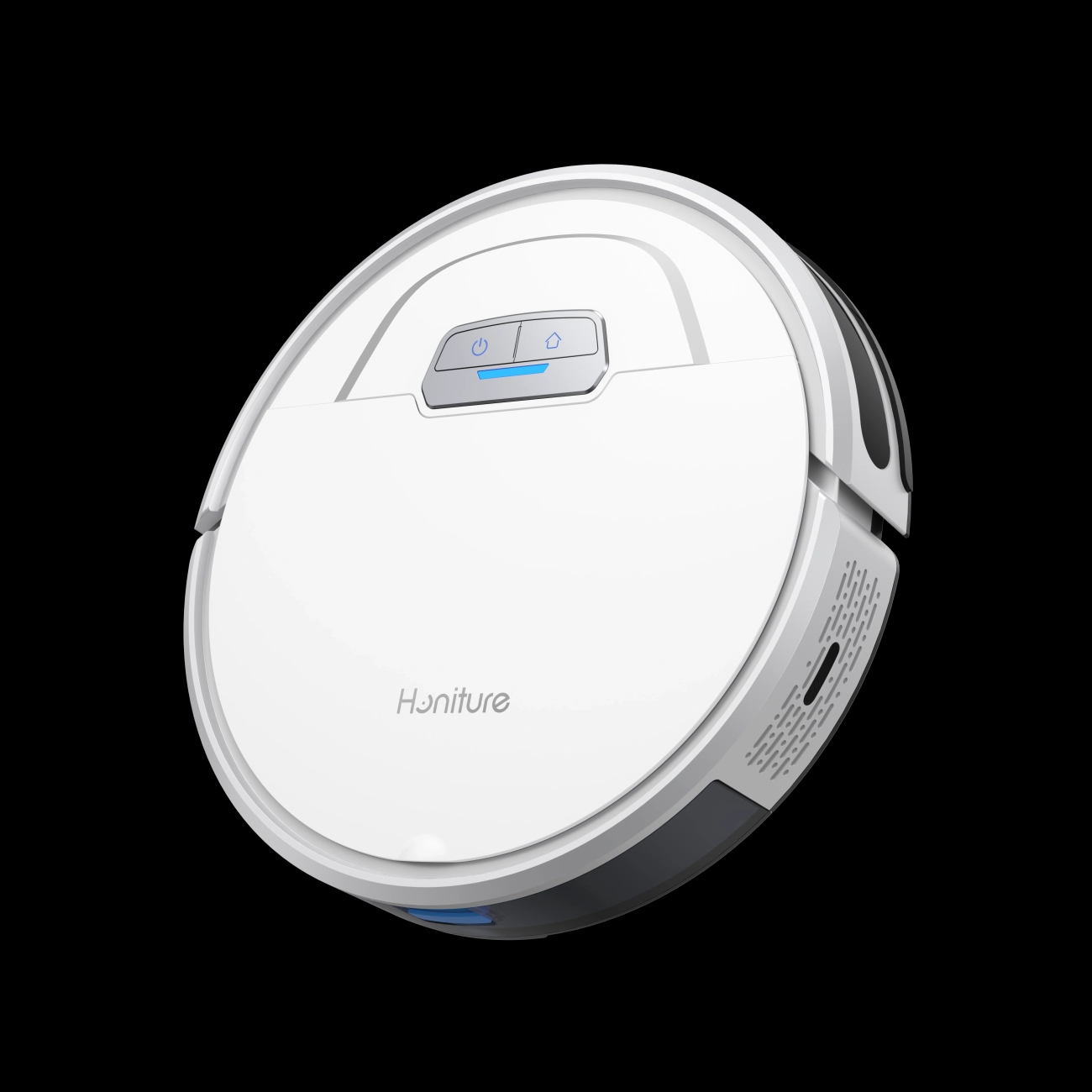
We all want to know how long should a vacuum cleaner battery last, but the reality is that your daily habits play a massive role in that timeline. Even high-end lithium-ion packs have a finite number of cycles, and certain behaviors can drastically accelerate degradation. If you want to avoid buying a replacement pack prematurely, you need to watch out for these common killers.
Excessive Heat: The Number One Enemy
Heat is absolute kryptonite for battery chemistry. If you leave your vacuum charging in direct sunlight or store it in a hot garage during the summer, you are essentially cooking the cells. Most cordless vacuums rely on standard cylindrical cells, and understanding how long an 18650 battery will last often comes down to strict temperature control.
- The Rule: Never charge a hot battery. If you just finished vacuuming, let the unit cool down for 15 minutes before plugging it in.
Constant Turbo Usage
We all love the raw power of Turbo mode, but using it for every clean puts immense strain on the battery cells. High vacuum suction power modes draw energy at a rapid rate, causing voltage sag and internal heat buildup.
- The Impact: Constant high-discharge drains the battery quickly and reduces the total number of battery charge cycles available over its life.
- The Fix: Reserve Max mode for carpets and use Eco mode for hard floors.
Deep Discharging
Running your vacuum until it completely dies is a habit you need to break. While a modern Battery Management System (BMS) includes deep discharge protection to stop the pack from bricking itself, frequently hitting that 0% mark stresses the internal chemistry. It is much healthier for the battery to be recharged when it hits around 20% rather than running it until the motor stops.
Filter Maintenance
Believe it or not, a dirty filter destroys battery life. When your filters are clogged with dust and pet hair, the vacuum motor has to work twice as hard to pull air through the system. This increased resistance forces the battery to output more power, leading to faster lithium-ion battery degradation and potential overheating.
- Routine: Check your filters monthly.
- Benefit: Keeps the airflow smooth and reduces the load on the battery.
Storage Habits
Leaving your vacuum plugged in 24/7 isn’t always the best move, especially if you don’t use it daily. Keeping a battery sat at 100% voltage for weeks at a time can accelerate chemical aging. If you are going on vacation or won’t be using the vacuum for a while, store it at roughly 50% charge rather than keeping it constantly connected to the charger.
How to Extend the Life of Your Van4NU Vacuum Battery
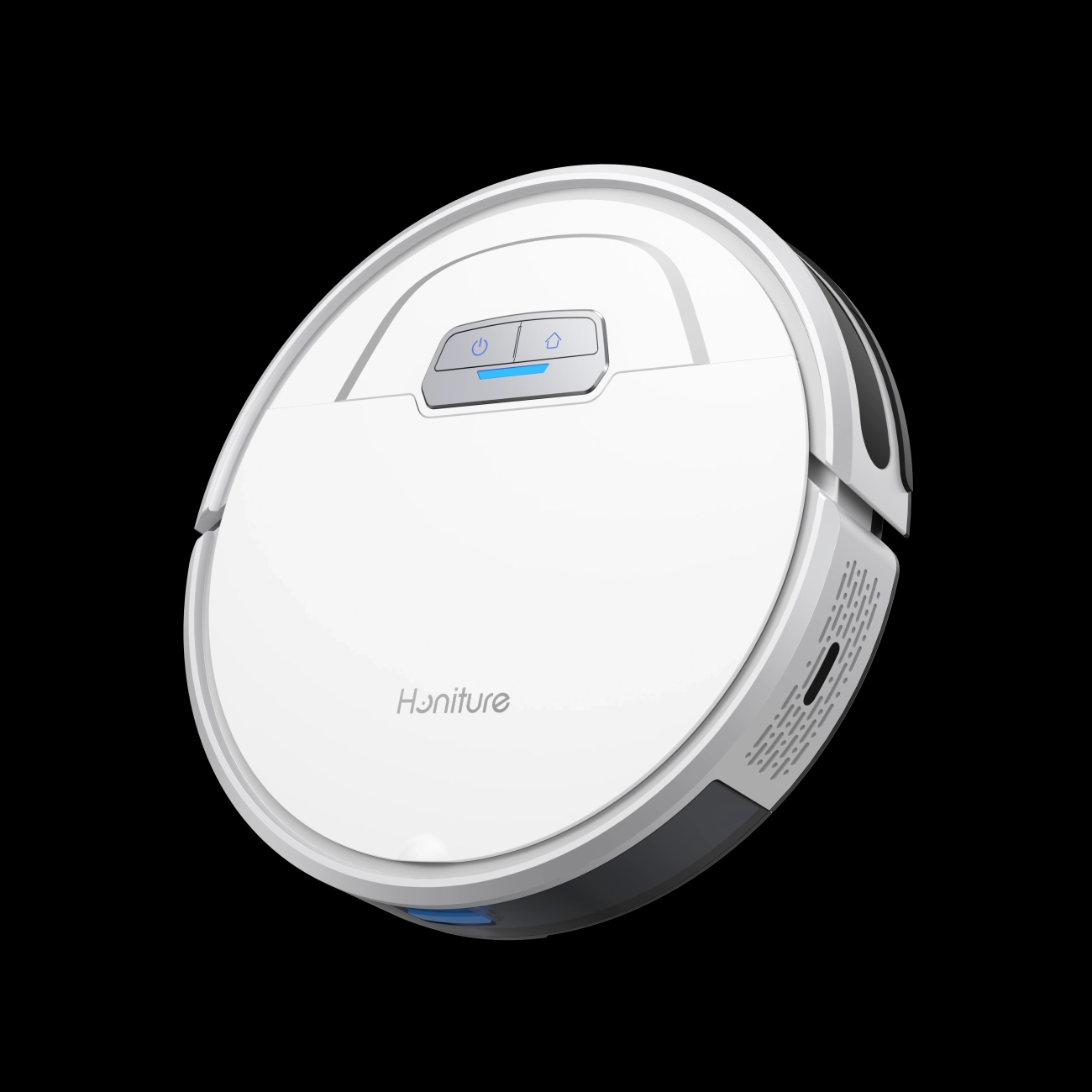
We build our Van4NU vacuums to be reliable workhorses, but the battery is a consumable component that requires specific care to maximize its ROI. You don’t need a degree in chemistry to keep your power pack healthy; you just need to adjust a few daily habits. By managing how you charge and store the device, you can significantly slow down lithium-ion battery degradation and keep your runtime consistent for years.
The 20-80 Rule: Optimal Charging Ranges
One of the biggest myths is that you must drain a battery completely before recharging. That was true for old nickel-cadmium packs, but it actually harms modern Li-ion cells. We recommend sticking to the 20-80 rule: try not to let the battery drop below 20% and, if you aren’t planning a marathon cleaning session, stop charging around 80%. Keeping the charge in this “sweet spot” reduces stress on the internal chemistry and preserves your battery charge cycles. For those using standard cells, understanding how long to charge an 18650 battery properly can prevent overcharging issues that shorten lifespan.
Cool Down Before Charging: The 10-Minute Rule
Heat is the silent killer of battery performance. After running your vacuum—especially if you’ve been using high-suction modes—the battery cells are hot. Plugging a hot battery immediately into a charger forces it to accept energy while it is already thermally stressed, which can trigger the overheating protection or permanently damage the capacity.
- The Rule: Wait at least 10 to 15 minutes after vacuuming before plugging the unit in.
- The Benefit: This allows the cells to return to a safe temperature, ensuring the battery management system (BMS) can charge them efficiently without risk.
Regular Cleaning: Reducing Mechanical Resistance
Believe it or not, cleaning your vacuum helps the battery. When filters are clogged or hair is wrapped around the brush roll, the motor has to work twice as hard to create suction. This increased mechanical resistance causes a spike in amperage draw, draining the battery faster and generating excess heat. Proper cordless stick vacuum maintenance—like washing filters and clearing the intake—ensures the motor runs efficiently, putting less strain on the battery pack.
Storage Tips: Best Practices for Vacations
If you are heading out of town or won’t be using the vacuum for a few weeks, do not leave the battery sitting at 100% or 0%. A fully charged battery stored for long periods can degrade faster due to internal pressure, while a dead battery might drop below the critical voltage threshold and never wake up.
- Ideal State: Store the battery at roughly 50% to 60% charge.
- Environment: Keep it in a cool, dry place away from direct sunlight.
- Action: If your model allows, remove the battery from the unit to prevent any passive power drain.
Signs It’s Time for a Replacement Battery
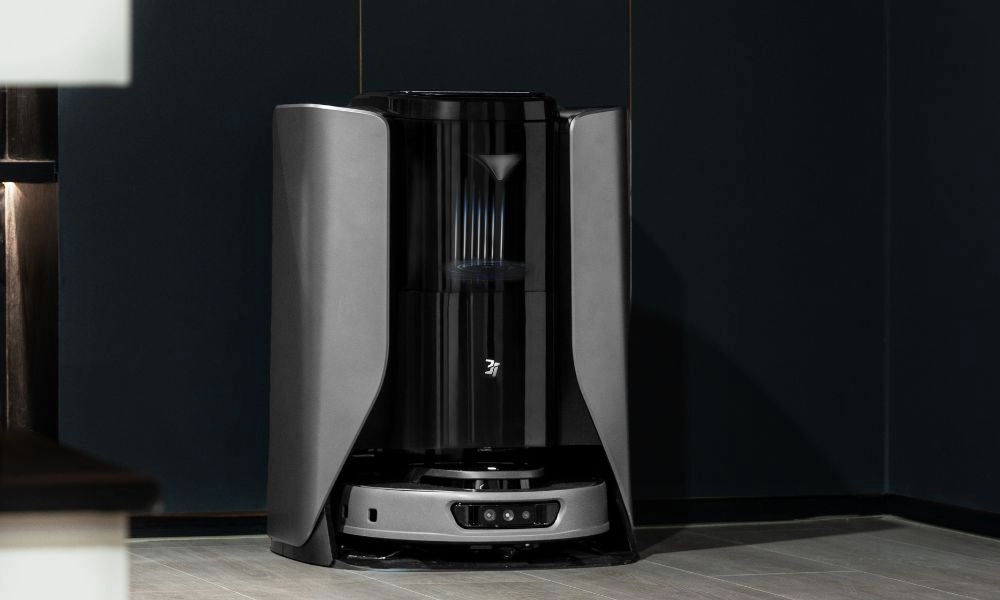
Even the best hardware eventually wears out. You don’t want to be caught halfway through cleaning the living room when the power cuts out. Recognizing the symptoms of a dying power source early can save you frustration and keep your home clean. Here is how to tell if your pack is ready for retirement.
Drastic Runtime Drop
The most obvious sign is a massive reduction in cordless vacuum runtime. If your machine used to handle the whole downstairs on a single charge (say, 40 to 60 minutes) but now dies after 5 minutes, the capacity is gone. The battery might charge to “100%” quickly, but the cells have developed high internal resistance. As soon as you pull the trigger, you get an immediate battery voltage drop, causing the vacuum to shut down to protect itself.
Failure to Charge and Indicator Lights
Sometimes the vacuum just refuses to wake up. You might see:
- Rapid flashing red lights: Usually indicates a fault detected by the Battery Management System (BMS).
- Charger light stays green: The charger thinks the battery is full because the cells won’t accept current.
- No lights at all: The circuit board inside the battery may have failed.
If you are unsure whether it’s the charger or the pack, learning about identifying bad lithium-ion battery symptoms can help you diagnose the specific issue before you buy parts.
Physical Swelling
This is a critical safety warning. Lithium-ion battery degradation can sometimes cause gas buildup inside the cells, leading to swelling. If the battery pack is bulging, difficult to remove from the vacuum, or the plastic casing is cracking, stop using it immediately. A swollen battery is a fire hazard and needs to be recycled properly.
The Cost-Benefit Analysis: New Battery vs. New Vacuum
When the battery dies, many people assume the whole vacuum is trash. That is a mistake. High-end cordless vacuums from brands like Dyson, Shark, or Tineco often cost between $300 and $700. In contrast, a high-quality replacement battery pack usually costs a fraction of that.
Unless your motor is burnt out or the plastic body is shattered, simply swapping the power source is the smartest financial move. We provide reliable replacement batteries for vacuum cleaners that restore your machine to its original performance, saving you hundreds of dollars compared to buying a brand-new unit.
Frequently Asked Questions (FAQ)
Can I leave my cordless vacuum on the charger all the time?
For daily use, yes. Most modern cordless stick vacuum models feature a built-in battery management system (BMS) that stops current flow once the battery hits 100%, preventing the risk of overcharging. However, if you are heading out on vacation or won’t use the vacuum for a few weeks, unplug it. Leaving a battery at 100% capacity for long periods can stress the chemistry. To store your battery cells safely and preserve their overall health, it is best to keep them partially charged in a cool, dry place rather than constantly docked.
Does using higher suction power damage the battery?
Using Turbo mode constantly won’t “break” the vacuum immediately, but it significantly accelerates Lithium-ion battery degradation. High vacuum suction power modes draw energy rapidly, causing the battery temperature to spike. Since heat is the primary cause of wear, relying exclusively on max power reduces the total number of battery charge cycles the pack can handle. I always recommend using Eco mode for general cleaning to keep the battery cool and saving the high power for stubborn messes.
Are replacement batteries universal?
Absolutely not. You cannot swap battery packs between different brands or even different models within the same brand. Each vacuum requires a specific voltage and pin configuration. Using an incompatible replacement battery pack can damage the motor or lead to dangerous overheating protection failures. When the time comes, ensure you choose a high-quality lithium-ion battery that is specifically rated for your machine to avoid safety hazards and performance drops.






 English
  German
  Spanish
  French
  Italian
  Dutch
Dutch  Polish
  Russian
  Thai
Thai  Turkish