
Identify Your Ring Device Model
Before you attempt a Ring battery replacement, you absolutely must know which generation of hardware is mounted to your doorframe. Ring devices generally fall into two power categories: those with internal non-removable batteries and those utilizing the modern Quick Release Battery Pack system. Getting this wrong means buying the wrong parts or struggling to remove a device that isn\’t designed to pop open.
Internal Batteries vs. Quick Release Battery Packs
We see a lot of confusion here. Older models and specific budget-friendly units often house the battery inside the main chassis. This means the battery is not swappable. Conversely, the newer \”Video Doorbell 2, 3, 4\” and \”Battery Plus\” lines use a universal lithium-ion rechargeable battery that slides out.
Here is a quick breakdown to help you spot the difference:
| Feature | Internal Battery Models | Quick Release Battery Models |
|---|---|---|
| Common Devices | Original Ring Video Doorbell (1st Gen), Ring Video Doorbell (2nd Gen – 2020) | Doorbell 2, 3, 3 Plus, 4, Battery Doorbell Plus, Stick Up Cams |
| Removal Method | Must remove the entire unit from the wall bracket | Only the faceplate and battery pack are removed |
| Charging | USB port is on the back of the doorbell unit | USB port is directly on the removable battery pack |
| Downtime | Device is offline while charging (hours) | Zero downtime if you swap with a spare nuranu pack |
Visual Cues: Checking for the Silver Release Tab
The fastest way to confirm you have a Quick Release Battery Pack is to look for the silver release tab.
- Remove the Security Screw: Look at the bottom of your doorbell.
- Pop the Faceplate: Squeeze the sides and pull the bottom faceplate off.
- Spot the Tab: If you see a rectangular silver or gray tab at the bottom of the black battery unit, you have a removable system. Pressing this tab releases the battery.
If you remove the faceplate and see no silver tab, or if the faceplate doesn\’t come off separately from the camera housing, you likely have a model with an integrated battery.
Determining if the Whole Unit Comes Off the Wall
If you are rocking an original Ring Video Doorbell (1st or 2nd Gen), you won\’t be sliding a battery out. instead, the whole unit comes off the wall. You will need to loosen the security screws on the bottom and slide the entire doorbell up and off its mounting bracket. Once it\’s in your hand, you\’ll find the micro-USB charging port on the back of the device itself.
For Quick Release owners, the doorbell stays mounted. You only take the battery inside to charge. This is where upgrading to a high-capacity nuranu replacement battery changes the game—you simply swap the dead pack for a fresh one without ever leaving your home unprotected.
How to Remove and Charge Your Ring Battery
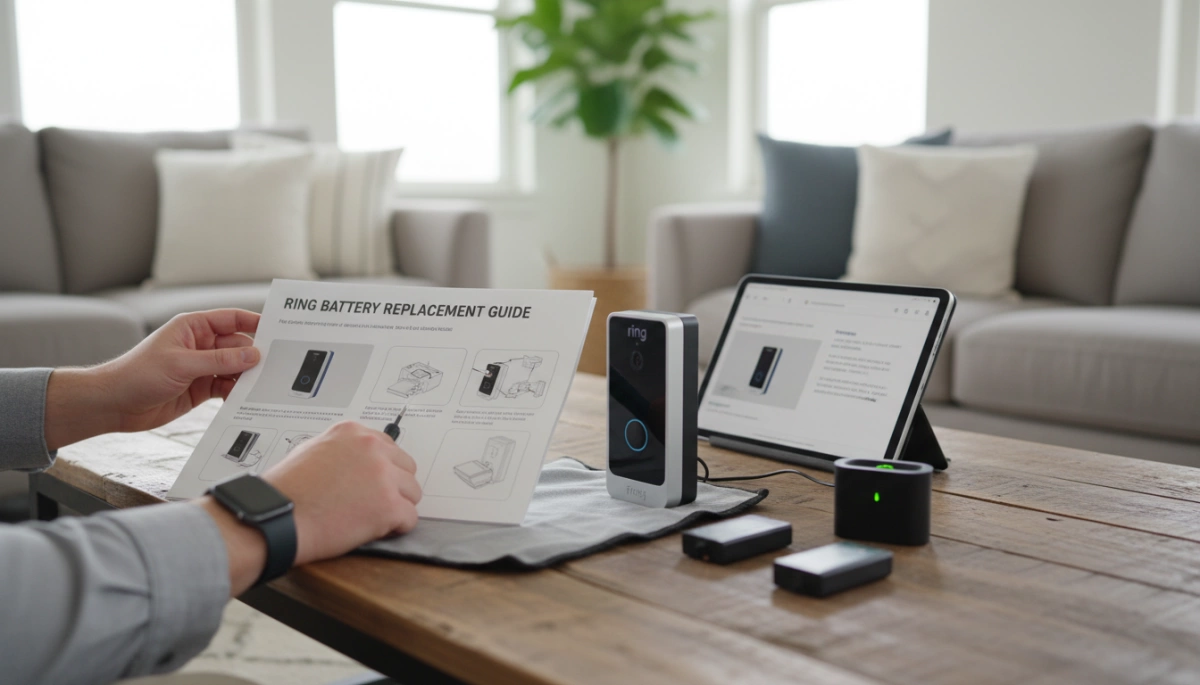
Getting your Ring device back online starts with a proper removal and charge cycle. If you rush this part, you risk stripping screws or damaging the locking mechanism. Here is the straightforward way to handle the Ring Battery Replacement process without the headache.
Essential Tools: T15 Torx Security Screwdriver and Micro-USB Cable
Before you head out to the porch, make sure you have the right gear. You cannot use a standard Phillips head screwdriver here. Ring devices use a star-shaped security screw to prevent theft.
- T15 Torx Screwdriver: This is usually the orange tool included in the box. If you lost it, you need a replacement specifically labeled as a T15 Torx security bit.
- Micro-USB Charging Cable: Most Ring batteries use the older standard Micro-USB, not the newer USB-C found on phones. Grab a sturdy cable and a reliable wall adapter (at least 2.1 amps) to speed up the process.
Step-by-Step Removal Process for Quick Release Models
For devices like the Ring Video Doorbell 3, 4, or the Spotlight Cam Battery, removing the power source is designed to be easy, provided you follow the order of operations.
- Security Screw Removal: Loosen the security screw at the bottom of the faceplate. You don\’t always need to take it all the way out—just enough to release the cover.
- Faceplate Removal: Squeeze the sides of the faceplate and pull it away from the wall to expose the battery compartment.
- Release the Battery: Locate the silver metal tab on the Quick Release Battery Pack. Press it down to unlock the mechanism.
- Slide Out: The battery should slide out smoothly. If it feels stuck, don\’t force it; ensure the tab is fully depressed.
Plugging In and Understanding LED Indicators (Amber vs. Green)
Once the battery is inside, plug your Micro-USB charging cable into the port on the battery itself, not the camera. You will see two LED lights on the top of the battery that tell you exactly what is happening.
- Amber and Green Lights On: The battery is currently charging.
- Solid Green Light Only: The battery is fully charged.
It is important to let the cycle finish completely. Understanding the two major reasons that affect the service life of lithium batteries—specifically charge cycling and temperature—will help you maintain the health of your Ring battery over time. Don\’t pull it off the charger the second the light turns green; give it a few extra minutes to stabilize.
Realistic Charging Time Estimates for Full Power
Don\’t expect a quick 30-minute top-up. A standard Ring battery takes anywhere from 5 to 10 hours to reach 100% capacity, depending on whether the USB cable is plugged into a high-speed wall adapter or a low-power USB port on a computer.
If you plug the battery back in and the Ring app battery status doesn\’t update immediately, don\’t panic. The device often needs a few motion events or a \”Live View\” activation to refresh its data with the server and register the new voltage level.
The \”Zero Downtime\” Strategy: Why You Need a Spare
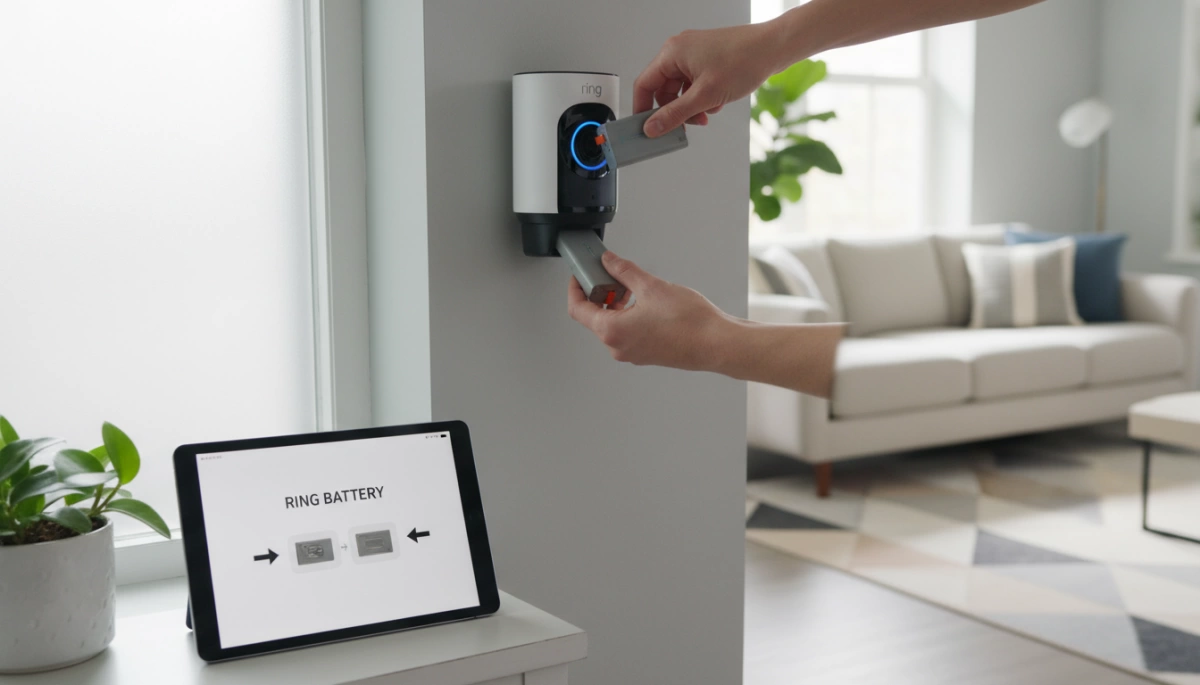
When you remove your battery for recharging, your home security effectively goes dark. Depending on the power source and battery health, a standard recharge cycle via a Micro-USB charging cable can take anywhere from 6 to 10 hours. That is a significant security vulnerability gap where your property remains unmonitored.
The most practical solution is the \”hot-swap\” method. By keeping a fully charged backup Quick Release Battery Pack on hand, you can replace the depleted unit in seconds. This ensures your Ring Video Doorbell or Spotlight Cam comes back online immediately, maintaining continuous protection without the downtime associated with waiting for a green light.
Why nuranu Replacement Batteries Are the Best Upgrade
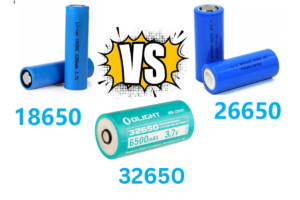
Not all power cells are created equal. While standard OEM packs function adequately, upgrading to our nuranu high-capacity replacement battery options provides superior longevity. We focus on maximizing energy density to ensure your device operates longer between swaps. Understanding the underlying technology, such as the differences between 18650 Lithium-Ion vs. Lithium Polymer batteries, highlights why premium cell quality is critical for consistent performance.
Comparing OEM vs. High-Capacity Aftermarket Options:
| Feature | Standard OEM Battery | nuranu High-Capacity Battery |
|---|---|---|
| Capacity | Standard (approx. 6040mAh) | Extended Capacity for longer runtime |
| Chemistry | Basic Li-ion | Premium Lithium-ion rechargeable battery cells |
| Durability | Standard casing | Reinforced for smart home security maintenance |
| Value | Higher retail markup | Optimized performance-to-cost ratio |
We engineer our batteries to withstand the real-world demands of frequent motion alerts and Live View usage, giving you a robust power source that minimizes how often you need to break out the tool kit.
Step 3: Reinstalling the Battery and Resetting the Device
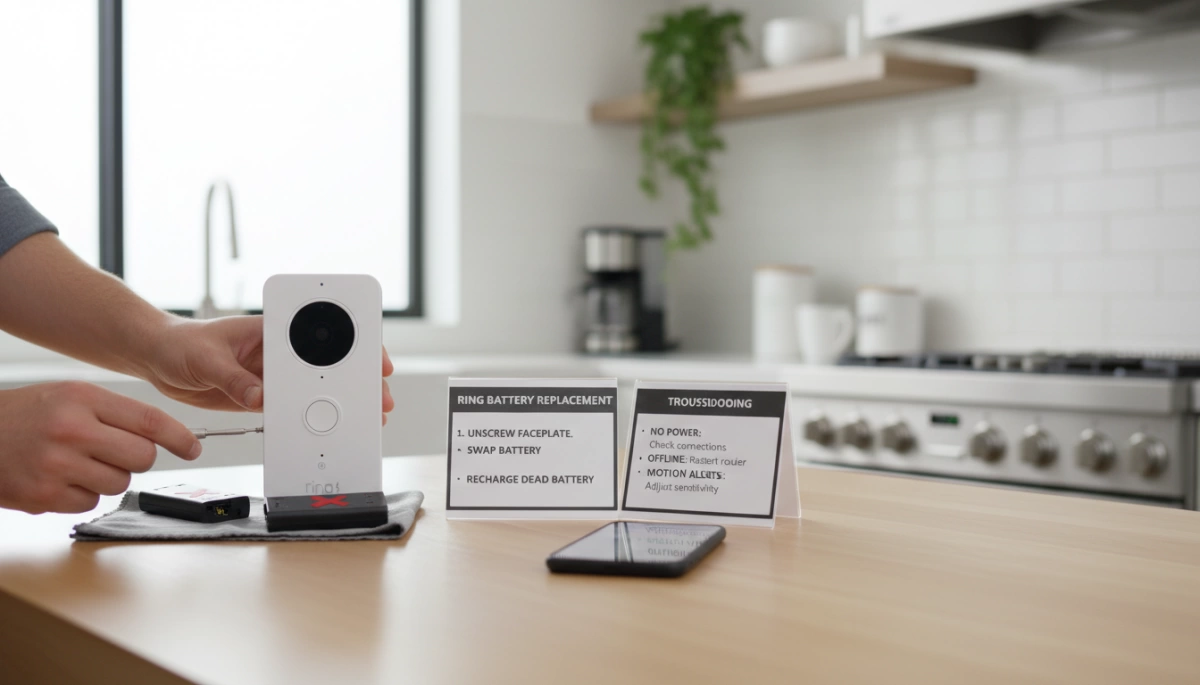
Once your pack is fully charged, getting your security system back online is a straightforward process, but precision matters. Slide the Quick Release Battery Pack firmly into the battery compartment. You must push until you hear a distinct audible click or feel the metal release tab lock into place. If the battery isn\’t seated correctly, the device won\’t power on, leaving your home unmonitored. While handling these components, always adhere to guidelines for the safe use of polymer lithium batteries to prevent damage to the contacts or the cell itself.
Waiting for the Blue Ring Light Power-Up Sequence
After the battery clicks in, look immediately at the front of the doorbell. You should see the circular LED light begin to spin or flash blue. This power-up sequence indicates the hardware is waking up and attempting to reconnect to your Wi-Fi network. Do not attempt to attach the faceplate until you see this light, as it confirms the battery is successfully delivering power.
Reattaching the Faceplate Without Overtightening
Once the device is powered, slide the faceplate back on—hook the top first, then snap the bottom into place. Reinsert the security screw using your T15 Torx driver. Warning: Do not overtighten this screw. It only needs to be snug enough to keep the cover secure. excessive force can strip the screw head or crack the plastic housing, making future Ring battery replacement difficult.
Troubleshooting: Refreshing the App Dashboard Status
A common frustration is opening the app immediately after a swap and seeing the old battery percentage. The Ring app battery status does not always update in real-time. If the dashboard still shows a low charge or \”Offline,\” try these steps:
- Force Close the App: Completely shut down the app on your phone and reopen it to clear the cache.
- Trigger an Event: Walk in front of the camera or press the doorbell button. This forces the device to \”check in\” with the server and update its status.
- Check Connection: If the device remains unresponsive, perform Ring device offline troubleshooting by checking your router or Wi-Fi signal strength.
How to Extend Your Ring Battery Life
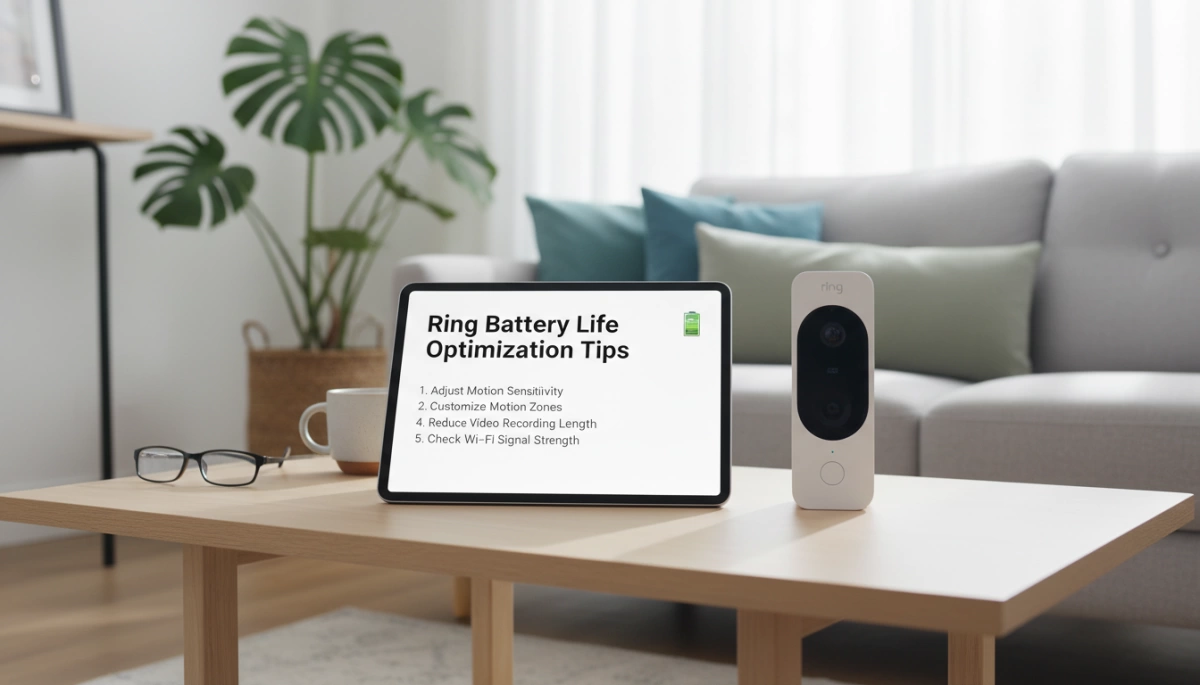
Constant recharging is a hassle. If you find yourself climbing a ladder every two weeks to swap out your Quick Release Battery Pack, your settings are likely too aggressive for your environment. By tweaking a few configurations in the Ring app and understanding the chemistry of your lithium-ion rechargeable battery, you can significantly extend the time between charges.
Optimizing Motion Sensitivity and Frequency Settings
The biggest drain on your battery is the motion sensor. Every time the camera detects movement, it wakes up, records, and transmits data via Wi-Fi. If you live on a busy street, your motion zone sensitivity might be triggering hundreds of \”false positive\” events a day—like passing cars or swaying trees—which kills the battery fast.
To fix this:
- Adjust Motion Zones: In the Ring app, redraw your zones to exclude high-traffic areas like sidewalks or streets.
- Lower Motion Frequency: Change the setting to \”Regular\” or \”Periodically.\” This inserts a short \”cool-down\” period after an alert, preventing the camera from recording back-to-back clips of the same event.
- Smart Alerts: Enable \”Person Detection\” so the camera ignores pets and debris.
Managing Snapshot Capture to Prevent Rapid Drain
Snapshot Capture is a feature that takes still photos at set intervals (every 14 minutes to every hour) between motion events. While this fills in the gaps in your timeline, it keeps the device constantly active.
If Ring app battery status shows a rapid decline, check this setting immediately. Turning Snapshot Capture off is the single most effective way to boost battery longevity. If you need it on, set the frequency to the longest interval available (every 60 minutes) to minimize power consumption.
The Impact of Wi-Fi Signal Strength (RSSI) on Battery Performance
Many users don\’t realize that a weak Wi-Fi signal physically drains the battery. When the signal is poor (indicated by a high RSSI number in the \”Device Health\” section), the internal radio has to work much harder to maintain a connection to your router.
If your RSSI is worse than -60, your device may struggle to upload video, leading to Ring device offline troubleshooting scenarios that burn through power. Installing a Wi-Fi extender (specifically a Ring Chime Pro) near the door can bridge the gap, allowing the battery to transmit data efficiently without overworking.
Cold Weather Mode: How nuranu Cells Handle Winter Stress
Cold weather battery drain is a physical limitation of all lithium-ion batteries. As temperatures drop, the chemical reaction inside the battery slows down, causing it to lose charge faster and eventually stop working entirely below freezing.
At Nuranu, we engineer our replacement cells with high-quality materials designed to maintain stability better than standard generic options. However, even the best batteries need care during extreme winters. If you keep a spare rotation, knowing how to store batteries safely inside your home ensures your backup is healthy and fully charged when it\’s time to swap them out in the freezing cold. Keeping your spares at room temperature prevents degradation and ensures you aren\’t swapping in a dud.
Frequently Asked Questions (FAQ) regarding Ring Batteries
Can I Use a Generic Micro-USB Cable for Charging?
Yes, you absolutely can. While the orange cable included in the box is iconic, there is no proprietary chip inside it. Any standard Micro-USB charging cable will work perfectly for a Ring Battery Replacement or recharge.
However, the power source matters more than the cable. For the fastest charge time (usually around 5 to 10 hours), plug the USB cable into a dedicated wall adapter (like your phone charger) rather than a computer USB port, which often provides lower amperage.
Real-World Battery Lifespan vs. Advertised Specs
Ring often advertises battery life lasting anywhere from 6 to 12 months, but in the real world, this varies heavily based on your settings. High motion sensitivity, frequent \”Live View\” usage, and cold weather can drain the pack in just a few weeks.
Most Quick Release Battery Packs rely on standard lithium-ion chemistry. Understanding how long 18650 batteries last is crucial because the internal cells degrade over time with repeated cycling. If you find yourself recharging every two weeks despite moderate usage, the internal cells have likely reached the end of their lifespan, and it is time for a replacement.
Safety and Compatibility of Third-Party Batteries like nuranu
Using high-quality third-party batteries is a safe and cost-effective way to maintain your security system. Our nuranu replacement batteries are engineered to match the exact voltage and amperage requirements of Ring devices.
We focus on using premium lithium-ion cells that offer stability and longevity comparable to or exceeding OEM standards. Always ensure the battery clicks firmly into the compartment to maintain weather resistance.
What to Do If You Lose Your Security Screwdriver
This is a common headache. The screw at the bottom of the faceplate is a T15 Torx Security Screw (star-shaped), not a standard Phillips or flathead.
- Do not force it: Using the wrong screwdriver will strip the head, making security screw removal nearly impossible without drilling.
- The solution: You can easily find a replacement T15 screwdriver at a local hardware store or order a specific Ring spare parts kit online. We always recommend keeping this tool in a specific \”junk drawer\” or taped to the inside of a utility cabinet so it never goes missing during a critical battery swap.







 English
  German
  Spanish
  French
  Italian
  Polish
  Russian
  Thai
Thai  Turkish
  Japanese
  Korean