
The Numbers: Understanding Battery Lifespan vs. Run Time
We’ve all been there—you grab your vacuum for a quick cleanup, and it dies before you even finish the living room. It’s frustrating, but is the battery actually dead, or does it just need a charge? To answer the question, “What is the lifespan of a cordless vacuum battery?”, we first need to clear up a common mix-up: the difference between Run Time and Total Lifespan.
- Run Time: This is how many minutes your vacuum operates on a single charge (e.g., 40 minutes on Eco mode).
- Total Lifespan: This is the overall life expectancy of the battery pack before it can no longer hold a charge and needs to be replaced (usually measured in years).
Think of it like a car. Run time is how far you can drive on a full tank of gas, while lifespan is how many miles the engine lasts before it quits.
The Science of Cycles: How Long Do They Really Last?
Manufacturers don’t measure battery life in years; they measure it in vacuum cleaner charge cycles. One cycle equals using 100% of the battery’s capacity and charging it back up. It doesn’t have to be all at once—if you use 50% today and recharge, then 50% tomorrow and recharge, that counts as one cycle.
Most modern cordless vacuums have a standard expectation of 300 to 500 charge cycles before the capacity drops significantly (usually below 80% of its original performance).
Here is how that math translates to real-world usage:
- Daily Users: If you drain the battery every single day, you might see performance drop in 1 to 1.5 years.
- Average Users: Vacuuming 2-3 times a week usually yields a lifespan of 3 to 4 years.
- Light Users: Occasional spot cleaning can extend the battery life to 5+ years, provided it is stored correctly.
Battery Chemistry Matters: Li-ion vs. NiMH
Not all batteries are built the same. The longevity of your device depends heavily on the chemistry inside the pack.
- Lithium-Ion (Li-ion): This is the gold standard used in high-quality machines, including our Van4NU models. Lithium-ion battery degradation happens much slower. They provide consistent suction power until the battery is empty, are lighter weight, and don’t suffer from the dreaded “memory effect.”
- Nickel-Metal Hydride (NiMH): Found in older or cheaper models. These are heavier, take longer to charge, and lose capacity rapidly if you don’t fully discharge them before recharging.
Understanding these numbers helps set realistic expectations. If your machine is three years old and the cordless vacuum run time has cut in half, it’s likely not broken—it has simply reached the end of its natural cycle count.
The Silent Killers: Factors That Shorten Battery Life
Batteries rarely fail simply because they are “old.” More often than not, external stress factors accelerate the aging process, turning a 5-year investment into a 2-year disappointment. Understanding what physically stresses the cells is the first step in preventing premature failure.
Temperature Sensitivity
Batteries are incredibly sensitive to their environment. They operate best at room temperature, just like us.
- Extreme Heat: Leaving your vacuum in direct sunlight or a hot car is the fastest way to ruin it. Heat accelerates chemical reactions inside the cell, leading to permanent Lithium-ion battery degradation. Battery overheating during use or charging is a major red flag.
- Freezing Cold: Storing a battery in an unheated garage during winter slows down the ion movement. While using a cold battery causes temporary performance loss, charging a frozen battery can cause permanent metallic plating on the anode, destroying the cell instantly.
The ‘Max Power’ Trap
We all love the “Turbo” or “Boost” mode for getting deep into carpets, but relying on it exclusively is a mistake. Running a vacuum constantly at its highest setting demands a massive discharge rate from the cells. This rapid energy drain generates significant heat—the enemy of longevity.
Think of “Max Power” as a sprint, not a marathon. Using it for the entire cleaning session puts unnecessary strain on the battery chemistry. Understanding battery selection based on usage highlights why matching your power mode to the mess is crucial for preserving the pack’s health.
Storage Habits: Deep Discharge and BMS
How you store the vacuum when it’s not cleaning is just as critical as how you use it.
- Deep Discharge Risks: Running a battery until it dies and then leaving it uncharged for months is dangerous. If the voltage drops below a critical threshold, the battery’s internal safety circuit might lock it permanently to prevent fire risks, rendering it useless.
- Constant Connection: While modern vacuums feature a Battery management system (BMS) to prevent overcharging, older or cheaper models might lack sophisticated cut-offs. Without a BMS, constant “trickle charging” keeps the battery at high stress levels (100% state of charge) and generates heat.
For those looking to dive deeper into maintaining cell health, many of the principles for charging lithium-polymer batteries apply directly to the lithium-ion packs found in cordless vacuums. Proper storage ensures deep discharge protection mechanisms aren’t pushed to their limits.
Is Your Battery Dying? (Recognizing the Signs)
It is incredibly frustrating when you are ready to clean, but your equipment quits on you. Knowing when the lifespan of a cordless vacuum battery has officially ended saves you from guessing games. Here is what I look for to determine if a pack is toast or if the machine just needs a good cleaning.
Drastic Run Time Reduction
This is the most obvious indicator of Lithium-ion battery degradation. If your cordless vacuum run time has plummeted from a solid 30 minutes to barely 5 minutes, the capacity is gone. You might also notice significant suction power loss even when the dust bin is empty and filters are clean. If the vacuum cuts out under load—like when you transition from hard floors to thick carpet—the voltage is likely sagging because the cells can no longer deliver the necessary power.
Charging Anomalies
Pay close attention to how the vacuum behaves on the dock or charger:
- The “False Full”: You plug it in, and the indicator light turns green almost instantly. This usually means the battery has high internal resistance and can no longer accept a charge.
- Refusal to Charge: The charger is connected, but the lights stay off, or the machine flashes a specific error code indicating a battery fault.
Physical Changes and Heat
Battery overheating during use or charging is a serious warning sign. While some warmth is expected, the pack should never be too hot to touch. If you notice the plastic casing warping, smelling like chemicals, or swelling, stop using it immediately. These are critical failures. For a deeper dive into safety checks, you can read up on how to tell if a lithium-ion battery is bad to confirm your suspicions before investing in a replacement.
Expert Tips to Maximize Lifespan (The ‘How-To’)
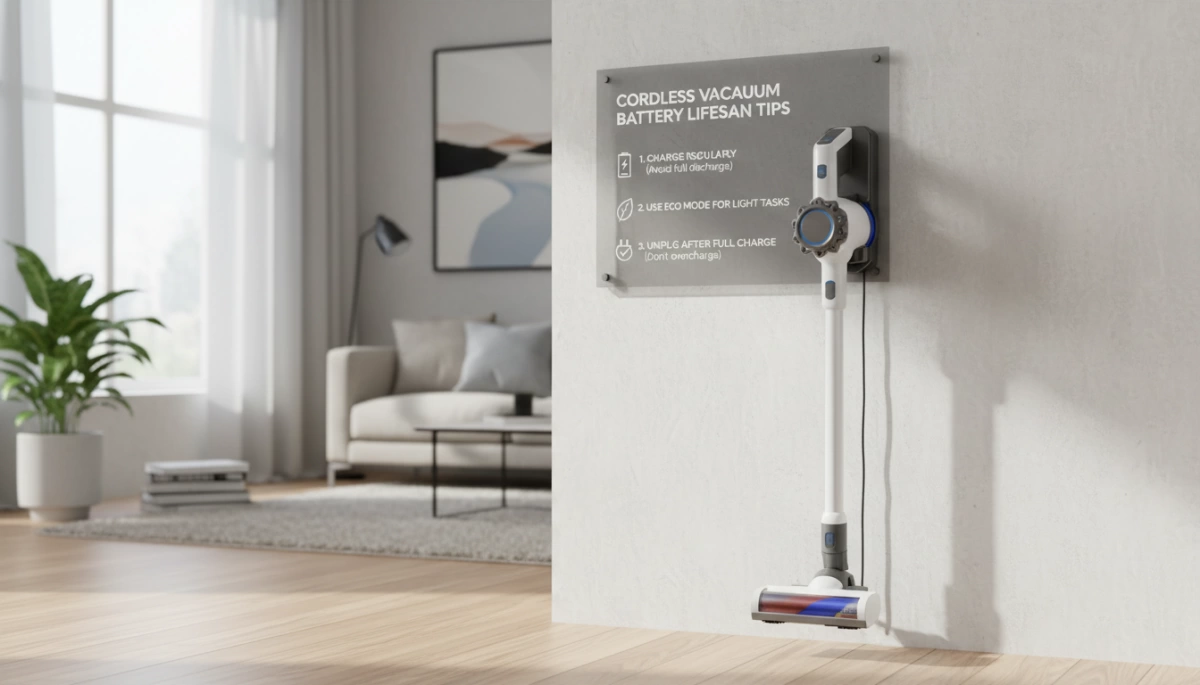
We all want to delay lithium-ion battery degradation as long as possible. Extending the life of your cordless vacuum isn’t just about the brand you buy; it is heavily influenced by your daily habits. By following a few simple vacuum maintenance tips, you can significantly push back the date when you’ll need a replacement.
The 20-80 Rule: Keeping Charge Levels Optimal
Lithium-ion batteries are happiest when they aren’t fully full or completely empty. Keeping your battery charged between 20% and 80% is the sweet spot for longevity. While deep discharge protection usually prevents the battery from hitting absolute zero, frequently draining it until the machine shuts off adds stress to the cells. Conversely, leaving it at 100% on the charger for weeks without use can degrade capacity. While modern cells are advanced, knowing do 18650 batteries have protection helps you understand that while safety circuits exist, good habits are still required to prevent premature wear.
Temperature Control: Best Practices for Storage
Temperature is the silent killer of battery health. Extreme heat and freezing cold can permanently damage the internal chemistry of the pack.
- Avoid Heat: Do not place your docking station near radiators, vents, or in direct sunlight.
- Avoid Freezing: If you store your vacuum in a garage or unheated mudroom, bring the battery inside during the winter.
- Ideal Spot: A climate-controlled utility closet or hallway is the best location to prevent battery overheating or cold damage.
Cool Down Periods: Wait Before Recharging
After a heavy cleaning session, especially if you used “Turbo” or “Max” mode, the battery pack will be warm to the touch. Charging a hot battery generates even more heat, which accelerates degradation. I always recommend waiting 15 to 30 minutes for the battery to cool down to room temperature before snapping it back onto the charger. This simple pause protects the cells from thermal stress.
Filter Maintenance: Reducing Motor Strain
Most people don’t realize that a dirty filter kills batteries. When filters are clogged with dust, the vacuum motor has to work significantly harder to maintain suction. This increased load draws more amperage from the battery, draining it faster and causing it to run hotter.
- Wash Filters Monthly: Keep airflow unrestricted.
- Check Blockages: Ensure the airway is clear to prevent suction power loss.
- Save the Battery: A clean machine requires less energy to operate, reducing the cycle strain on your power pack.
The Van4NU Approach: Engineered for Endurance
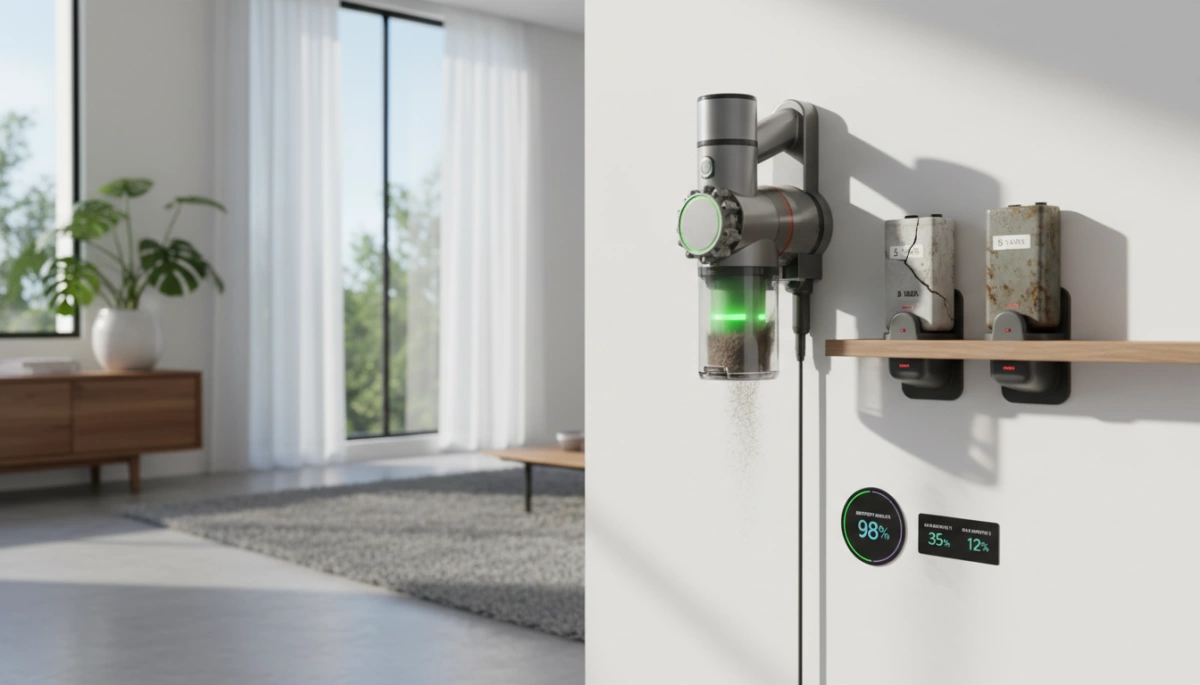
At Van4NU, we treat the battery as the heart of the machine. We aren’t interested in selling disposable tech; we build for the long haul. Our engineering focuses on three critical pillars to extend the lifespan of a cordless vacuum battery and ensure consistent performance for our US customers.
- Smart Battery Management Systems (BMS): We don’t leave charging to chance. Our integrated Battery Management System (BMS) actively monitors voltage and temperature in real-time. This “smart brain” prevents the overheating and overcharging that accelerate Lithium-ion battery degradation, ensuring the pack stays healthy for years, not just months.
- High-Density Lithium-Ion Cells: We commit to premium chemistry. By using a high-capacity battery pack, we ensure the vacuum maintains strong suction even as the charge drops. We carefully select our cell types for maximum energy density. For those interested in the hardware specifics, knowing whether 21700 and 18650 batteries are interchangeable sheds light on how we optimize power delivery for different models.
- Detachable Battery Designs: We believe in a swappable battery system. A worn-out battery shouldn’t mean a dead vacuum. Our removable battery vacuum designs allow you to simply click in a replacement or swap packs for double the run time. This simple feature drastically extends the total life of your investment compared to sealed units.
Repair vs. Replace: Making the Financial Decision
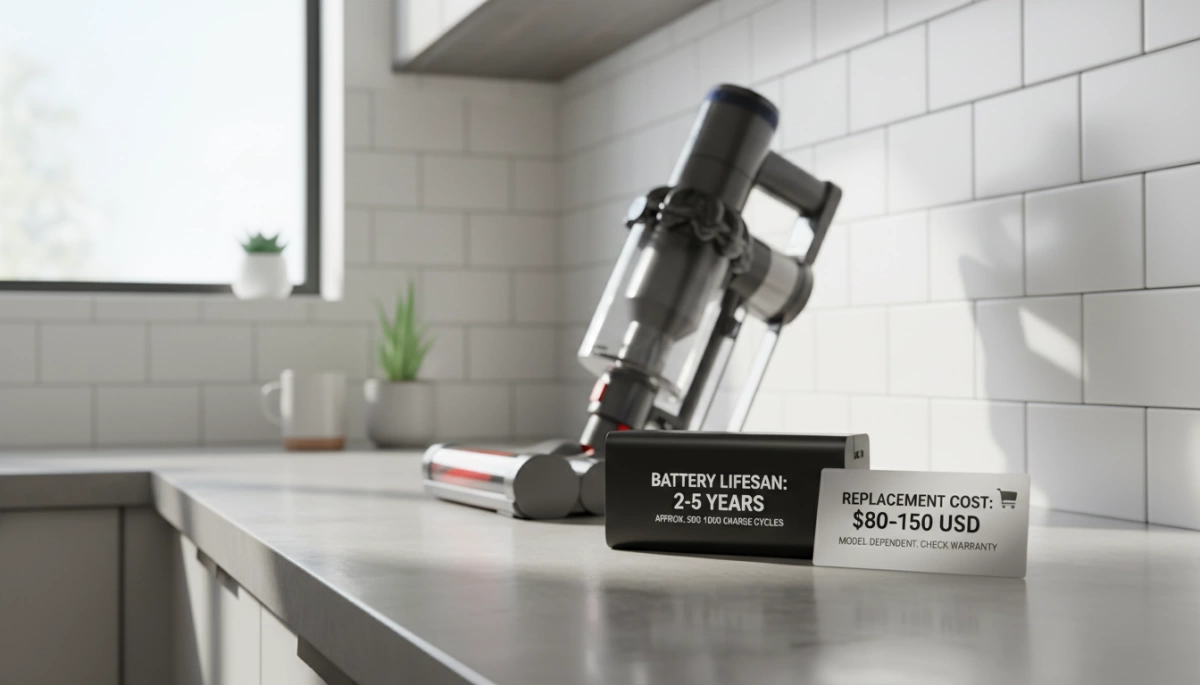
When your vacuum starts dying after five minutes of cleaning, you are faced with a choice: do you invest in a new battery pack or buy a completely new machine? Generally, the decision comes down to the condition of the motor and the battery replacement cost.
Cost Analysis: Battery vs. New Machine
From a strictly financial perspective, replacing the battery is almost always the smarter move if the vacuum itself is still functional.
- Replacement Battery: typically costs between $30 and $100.
- New Cordless Vacuum: A quality model in the US market ranges from $200 to $800+.
If your vacuum has good suction and the attachments aren’t broken, spending $50 to restore full run time is a solid investment. However, you need to understand the underlying technology. Since most packs are made of standard cells, knowing if 18650 batteries go bad helps you realize that degradation is a natural chemical process, not necessarily a sign that the vacuum’s motor is failing.
Availability and Brand Support
The feasibility of this repair depends heavily on the design of your device. If you own a removable battery vacuum or a model with a swappable battery system, the process is as simple as clicking a button and sliding in a fresh pack.
However, some budget models or older designs seal the battery inside the handle. If you cannot easily find a replacement part from the manufacturer or a reputable third-party seller, you might be forced to upgrade.
Quick Decision Guide:
- Buy a New Battery If:
- The vacuum is less than 4 years old.
- The motor sounds smooth and suction is strong.
- You have a removable battery vacuum design.
- Buy a New Vacuum If:
- The plastic body is cracked or the bin latch is broken.
- The motor makes grinding noises or smells like burning.
- Replacement parts are discontinued or cost more than 50% of a new machine.
Frequently Asked Questions (FAQ)
Should I leave my cordless vacuum on the charger all the time?
For the vast majority of modern vacuums, leaving the unit on the charging dock is perfectly fine. Contemporary devices use a Battery Management System (BMS) that cuts off the power once the cells reach 100% capacity. After the battery is full, the charger typically switches to a maintenance mode to keep the levels topped up without overheating the cells.
However, understanding how trickle charging works on battery packs is important if you plan to leave your device unused for long periods. If you are going on a vacation for several weeks, I recommend unplugging the dock. Constant micro-charging over extended periods of inactivity can stress the chemistry slightly, so storing it at around 50% charge while you are away is the safest bet.
Do I need to fully discharge the battery before recharging?
Absolutely not. This is one of the most persistent myths in the industry. The idea that you need to drain a battery to “reset” it comes from older nickel-cadmium (NiCd) technology. Modern cordless vacuums use Lithium-ion cells, and the battery memory effect does not apply to them.
In fact, waiting for a full discharge can actually harm your vacuum. Lithium-ion battery degradation accelerates when the voltage drops too low. Most quality vacuums have deep discharge protection to shut the motor off before this happens, but forcing the machine to run until it dies puts unnecessary strain on the cells. Feel free to dock your vacuum after a quick 5-minute cleanup; your battery prefers short, frequent charges over deep cycles.
How much does a replacement battery cost?
The battery replacement cost generally falls between $40 and $100, depending on the brand, voltage, and capacity of the pack. While a genuine OEM replacement from a major manufacturer will be on the higher end of that spectrum, it ensures compatibility and safety.
- Standard Packs: $40 – $60
- High-Capacity / Pro Models: $70 – $100+
Investing in a new high-capacity battery pack is almost always more economical than purchasing a brand-new vacuum cleaner. When shopping, check the mAh rating to ensure you are getting a battery that matches or exceeds your original run time. If your vacuum features a swappable system, buying a backup battery is a smart move to double your cleaning time without waiting for a recharge.




 English
  German
  Spanish
  French
  Italian
  Dutch
Dutch  Polish
  Russian
  Thai
Thai  Turkish