
How To Fix A Cordless Vacuum Not Charging Van4NU Guide
The Sanity Check: Start Here Before Panicking
There is nothing worse than grabbing your vacuum for a quick cleanup only to find it completely dead. We know the feeling—you’re ready to tackle a mess, and suddenly you’re troubleshooting instead of cleaning. Before you start worrying about expensive repairs or searching for a cordless vacuum battery replacement, let’s take a deep breath.
At Van4NU, we’ve helped thousands of customers with troubleshooting handheld vacuum issues, and honestly? Half the time, the solution is incredibly simple. Before tearing the machine apart, let’s rule out the basics.
The Outlet Test: Verifying the Wall Socket Works
It sounds obvious, but we have to ask: Is the power actually flowing? If you are plugging your charger into a switched outlet (one controlled by a light switch near the door), you might be accidentally cutting power to the vacuum every time you leave the room.
Try this quick test:
- Unplug the vacuum charger.
- Plug a lamp or your phone charger into that exact same socket.
- If the lamp doesn’t turn on, your vacuum is fine—you just need a different outlet.
The Connection Check: Ensuring Cable Seating
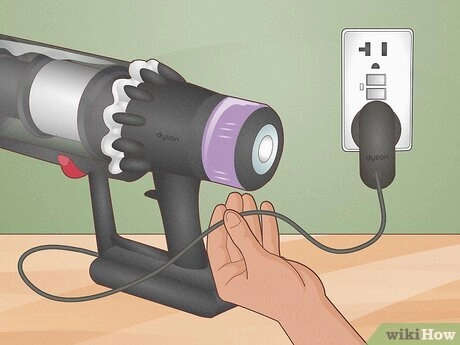
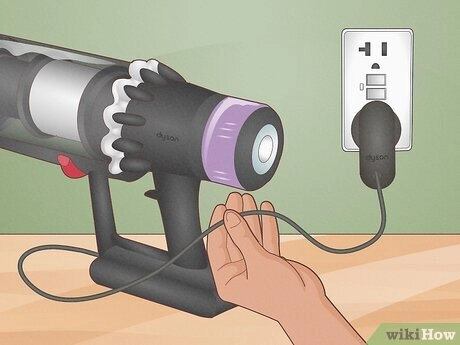
Loose connections are a major culprit for wall mount charging issues. If the charging pin isn’t fully inserted into the port or the dock, the energy flow never starts. Over time, cables can get tugged, causing the plug to sit slightly askew.
- Direct Charging: Push the adapter plug firmly into the vacuum’s charging port. You should feel a distinct “click” or resistance.
- Docking Stations: Ensure the unit is sitting flush against the backplate. Gravity usually does the work, but if the vacuum is slightly tilted, the metal contacts won’t touch.
The Switch Position: Checking if the Vacuum is Set to Off
This is a classic “gotcha” moment that happens to the best of us. While intelligent systems (like those in our Van4NU models) handle power management automatically, many standard cordless stick vacuums simply will not accept a charge if the power switch is left in the “ON” position.
If the battery died while you were using it, the switch is likely still engaged. Flip the switch to “OFF” before plugging it back in to ensure the current goes to the battery, not the motor.
Inspecting the Hardware: The Charger and Cord
If the wall socket is verified to be working, the next logical step in figuring out how do you fix a cordless vacuum that is not charging is examining the power supply itself. Hardware failure in the external adapter is often more common than internal battery failure, especially since these components are frequently moved, dropped, or tugged.
Visual Inspection: Checking for Frayed Wires or Bent Prongs
Give the charging cable a thorough visual assessment. In many US households, cords are subjected to significant wear and tear. We often accidentally run over these cords with the vacuum itself or pinch them behind furniture. Look closely for the following issues:
- Frayed Insulation: Any exposed copper wiring is a safety hazard and a primary cause of connectivity loss.
- Bent Plug Prongs: If the metal prongs are twisted or loose, they cannot make a solid connection with the wall outlet.
- Pet Damage: Cats and dogs often chew on thin cables. Even small puncture marks can sever the delicate internal wiring without completely breaking the outer casing.
- Connector Stress: Check the barrel plug or USB-C end that connects to the vacuum. If it looks bent or wobbly, the internal solder joints may be broken.
The Touch Test: Is the Adapter Brick Hot or Cold?
Electronics naturally generate a small amount of waste heat when they are actively converting energy. You can perform a simple diagnostic test using temperature. Plug the charger into the wall and connect it to the vacuum for about 30 minutes. Afterward, place your hand on the adapter block.
- Stone Cold: If the brick is completely cold, it is likely dead. A functioning transformer should generate some heat as it converts AC power to DC.
- Mildly Warm: A gentle warmth is the standard operating state and indicates that current is flowing correctly to the battery.
- Excessively Hot: If the adapter is too hot to touch comfortably, unplug it immediately. This indicates a potential short circuit or a failure in the voltage regulation, which could damage your vacuum’s internal components.
Using the Correct Charger: Risks of Generic vs OEM Cables
It is tempting to grab any random power brick from a junk drawer that fits the charging port, but this is a leading cause of charging failure. The debate of OEM charger vs generic replacements comes down to precise electrical specifications. Using the wrong adapter can prevent the vacuum from charging or permanently damage the battery cells.
- Power Adapter Voltage: The output voltage (V) and amperage (A) must match your vacuum’s requirements exactly. If the voltage is too low, the battery won’t charge; if it is too high, it can trigger the vacuum overheating protection or fry the Battery Management System (BMS).
- Polarity: Not all plugs are wired the same. A reversed polarity (positive vs. negative center pin) can instantly short out the vacuum’s mainboard.
- Smart Handshakes: Some high-end vacuum models require a digital signal from the original charger before they allow current to flow. Generic chargers often lack this communication chip.
Always verify that the label on the adapter matches the input rating printed on your vacuum cleaner before plugging it in.
The Invisible Culprit: Dirty Charging Contacts
Sometimes the issue isn’t a dead component but a bad connection. If you are trying to figure out how to fix a cordless vacuum that is not charging, you need to look closely at the metal terminals where the unit meets the dock.
Why It Happens: Dust and Grime Buildup
It sounds obvious, but we often overlook the environment our vacuums operate in. Since these machines are designed to hunt down dust, fine particles inevitably settle on the charging plates. Over time, this creates a resistive layer of grime, oxidation, or carbon buildup. This invisible barrier prevents electricity from flowing from the dock to the unit, causing frustrating vacuum docking station problems. Even a microscopic layer of oil from your fingers or residue from humid air can interfere with the voltage transfer.
How to Clean: Step-by-Step Guide
Restoring the connection is simple and usually resolves the issue immediately. You don’t need expensive tools to clean charging ports, just a few minutes and basic supplies.
Follow this cleaning process:
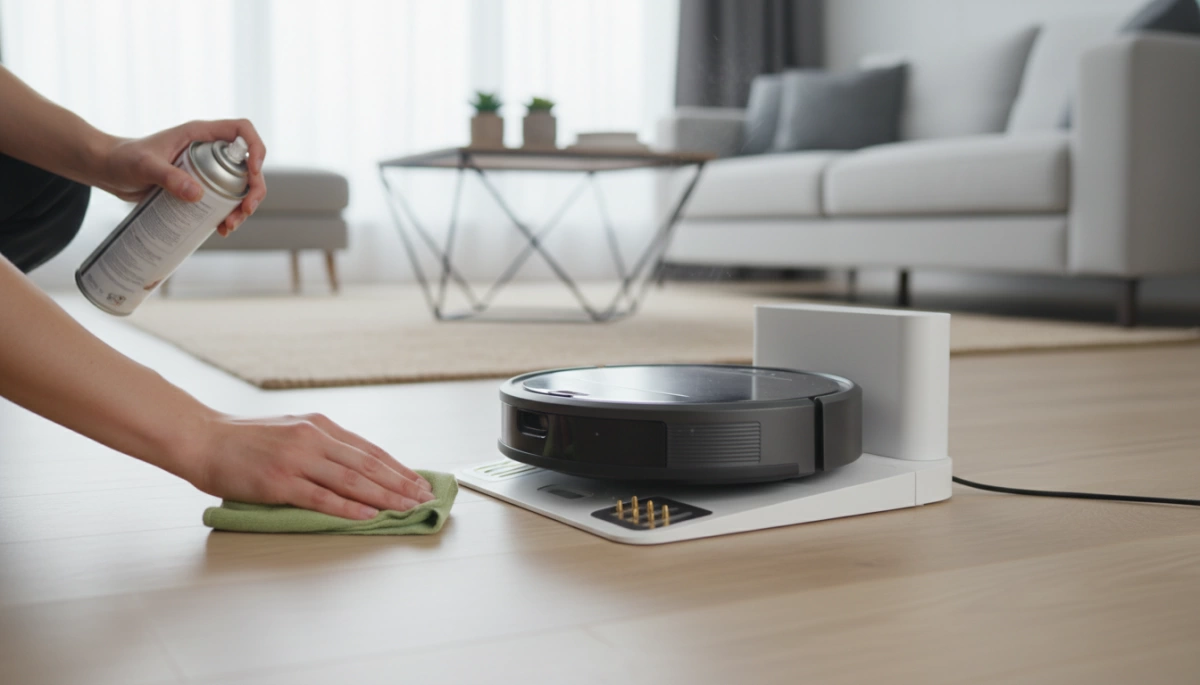
- Unplug Everything: Always disconnect the charger from the wall outlet before touching any metal contacts to avoid shorting the system.
- Prepare Your Tools: Use a clean, dry microfiber cloth and high-percentage isopropyl alcohol (rubbing alcohol). Avoid water, as it can cause rust.
- Wipe the Terminals: Lightly dampen the cloth with the alcohol—do not soak it. Firmly wipe the metal contacts on both the vacuum body and the charging station.
- Remove Oxidation: For stubborn dark spots or corrosion, use a pencil eraser to gently scrub the metal contacts until they are shiny again.
- Let It Dry: Ensure the alcohol has completely evaporated before placing the vacuum back on the dock.
Maintaining a clean physical connection is critical for energy transfer, a concept that remains true whether you are maintaining a small handheld vacuum or comparing the efficiency of LiFePO4 vs Lithium-ion batteries in larger applications.
Battery Health and Indicators
Decoding the Lights
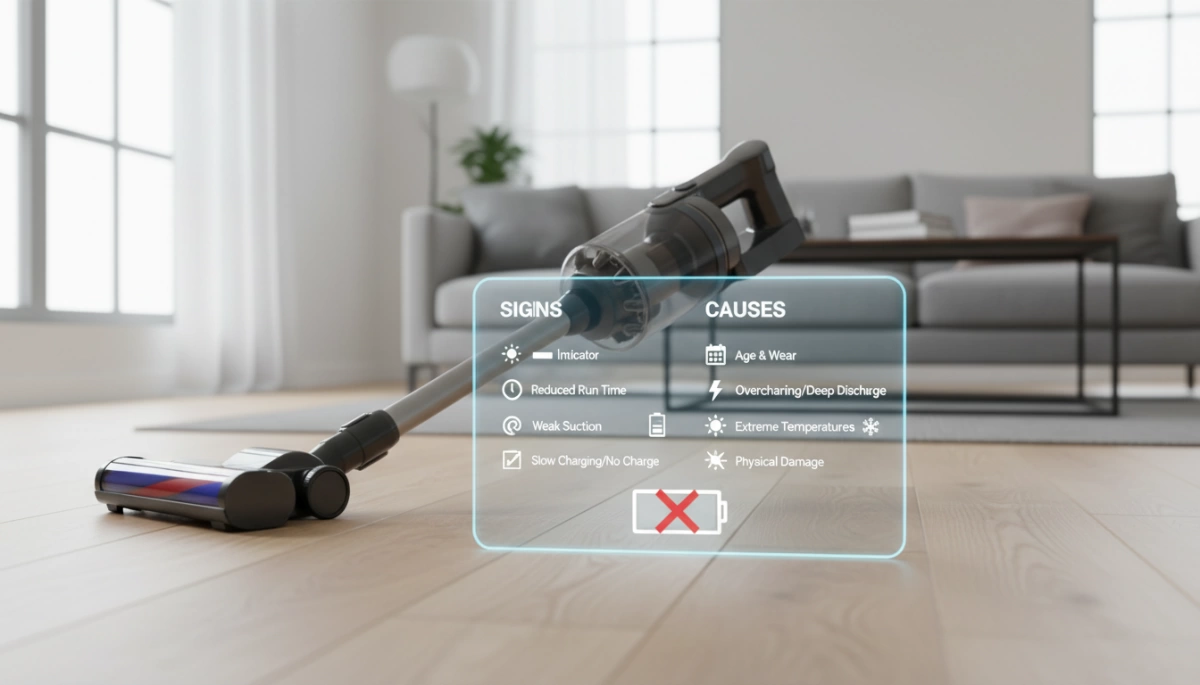
Your vacuum talks to you through its LED indicators, and knowing how to read them is half the battle. A solid blue or green light generally means the system is charging correctly. However, a blinking red light vacuum signal is the universal sign of trouble. This usually points to a specific battery error, a short circuit, or a connection fault. If there is no light at all, the battery is likely deeply discharged or the charger isn’t delivering any power to the unit.
Temperature Safety
Lithium-ion batteries have built-in self-preservation mechanisms. If you have just used the vacuum on “Max” or “Turbo” mode until it died, the battery cells are likely very hot. Vacuum overheating protection prevents the unit from accepting a charge while the temperature is elevated to prevent damage or fire.
- The Fix: Unplug the unit.
- Wait: Let it cool down for 30 to 45 minutes.
- Retry: Plug it back in once the battery case feels cool to the touch.
The Age Factor
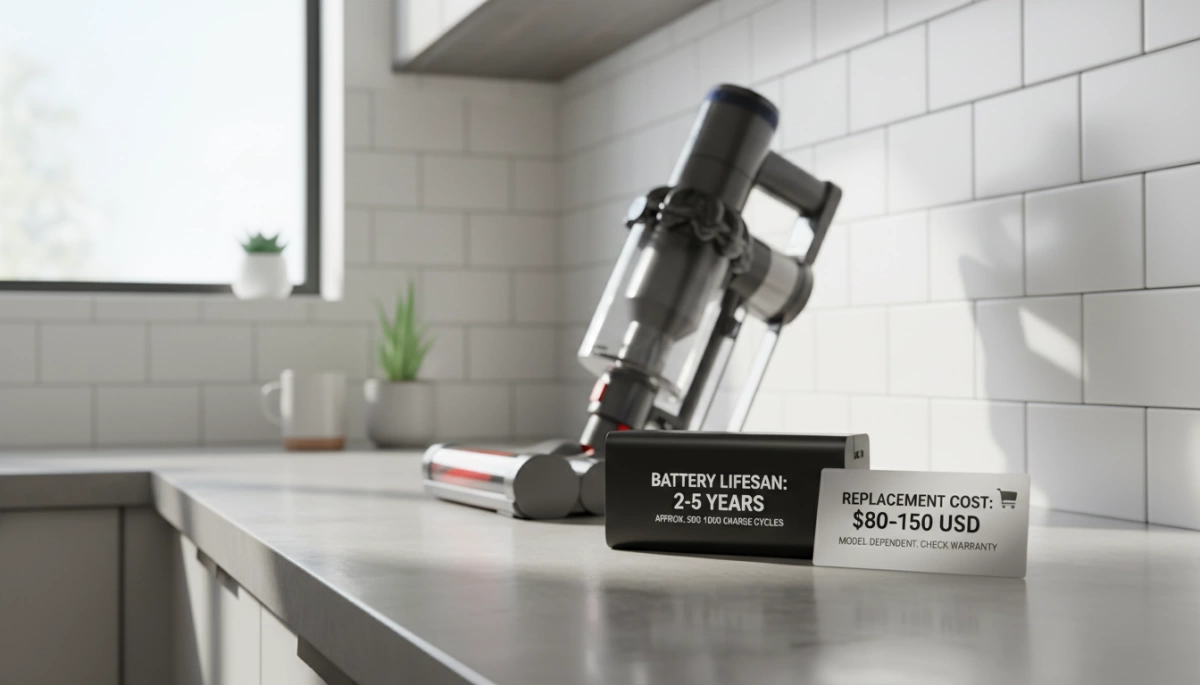
Batteries are consumables; they do not last forever. The typical lithium-ion battery lifespan is roughly 300 to 500 charge cycles, which translates to about 2 to 3 years of regular use. As the battery ages, its internal resistance increases, and it may refuse to charge if the voltage drops too low. Understanding how to charge 18650 battery cells properly can help you squeeze more life out of the pack, but if your vacuum is older and won’t charge, the cells inside have likely reached the end of their road.
Internal Blockages and Safety Cut-offs
It sounds counter-intuitive, but sometimes the reason your cordless vacuum isn’t charging has nothing to do with the plug and everything to do with airflow. Modern vacuums are designed with self-preservation in mind. If the machine detects a severe blockage or if the motor has been overworking to compensate for poor airflow, the system may trigger a safety lockout. This prevents the unit from accepting a charge until the issue is resolved to avoid fire hazards or permanent motor damage.
The Airway Sensor: Motor Protection Mode
Most high-end stick vacuums feature vacuum overheating protection. If you were using the vacuum on “Max” mode and it suddenly cut out and refused to charge, it likely didn’t run out of juice naturally—it overheated. The internal sensors detect that the motor is straining against a blockage. To protect the chemistry of the power pack, the Battery Management System (BMS) blocks the charging current. This is a standard feature, mirroring common precautions for lithium-ion battery safety, ensuring the cells don’t endure thermal runaway while plugged in.
Filter Maintenance and HEPA Saturation
A HEPA filter blockage is the silent killer of vacuum batteries. We often forget to wash these filters, but a saturated filter acts like a brick wall to airflow. When air cannot pass through the filter to cool the battery and motor, the internal temperature spikes.
- Check the Pre-Motor Filter: This is usually a foam or cone filter. If it is grey or black, it needs washing.
- Inspect the HEPA Filter: Located at the exhaust, this traps fine dust. If it is clogged, the vacuum may pulse or refuse to charge until it cools down and the restriction is removed.
- Dry Time: Always let filters dry for at least 24 hours before reinstalling. Putting a wet filter back in can destroy the electronics instantly.
Debris Removal: Clearing the Brush Roll and Tube
Before you assume the battery is dead, physically inspect the air path. Vacuum suction loss usually happens right before the charging issue appears. If the brush roll is jammed with hair or the wand is clogged with a sock or debris, the electrical contacts in the motorized head might short or signal a fault to the main body.
Quick Debris Checklist:
- Disconnect the Wand: Look through the tube towards a light source to check for blockages.
- Clean the Brush Roll: Use scissors to cut away hair wrapped around the roller. If the roller can’t spin freely, the vacuum may trigger a fault light.
- Check the Inlet: Look at the connection point where the bin meets the stick; flap valves often get stuck here.
Once you have cleared the blockages and cleaned the filters, let the unit sit for 30 to 60 minutes to cool down. Attempting to charge immediately after a thermal event usually fails, so patience is key here.
Advanced Troubleshooting: The Reset
If the basic checks haven’t revived your machine, we need to look at the internal logic board. Modern cordless vacuums are smart devices, and sometimes their safety protocols get a little too aggressive.
Resetting the BMS (Battery Management System)
Your vacuum’s battery isn’t just a container for energy; it has a brain called the Battery Management System (BMS). This circuit monitors voltage and temperature to prevent damage. Sometimes, the BMS gets “stuck” in a protection mode, refusing to accept a charge even if the cells are fine. This is common if the vacuum was used until it completely died or overheated.
To perform a battery management system reset:
- Disconnect the power: Unplug the charger from the wall and the vacuum.
- Remove the battery: If your model has a detachable pack, slide it out.
- Drain residual power: Hold down the vacuum’s power button for 30-45 seconds while the battery is removed. This discharges any electricity lingering in the capacitors.
- Reconnect and Charge: Reinsert the battery and plug it back in.
This process reboots the safety sensors. It is important to remember that these systems exist for a reason; understanding if unprotected batteries are safe highlights why manufacturers include these sensitive BMS circuits to prevent thermal runaway and fires.
Docking Station Alignment
Vacuum docking station problems are frequently caused by physical misalignment rather than electrical failure. Over time, the screws holding your wall mount can loosen, causing the dock to sag slightly. Since most docks rely on gravity to press the vacuum against the charging pins, a millimeter of sag can break the circuit.
Wall mount charging issues can be fixed by ensuring the vacuum hangs vertically:
- Check the Screws: Tighten the mounting screws to ensure the backplate is flush against the wall.
- Listen for the Click: When you drop the vacuum into the dock, you should hear a distinct click or snap.
- The Wiggle Test: Once docked, give it a gentle wiggle. If the charging light flickers on and off, the contact springs inside the dock may be worn out and not pushing back hard enough against the vacuum’s terminals.
When to Replace Parts
Sometimes, all the cleaning and resetting in the world won’t bring a device back to life. If you have exhausted the troubleshooting steps, you are likely dealing with a hardware failure. Before you spend money, you need to pinpoint exactly which component has reached the end of its road.
Identifying the Failed Part: Charger vs. Battery
Distinguishing between a dead power adapter and a worn-out battery is the first step.
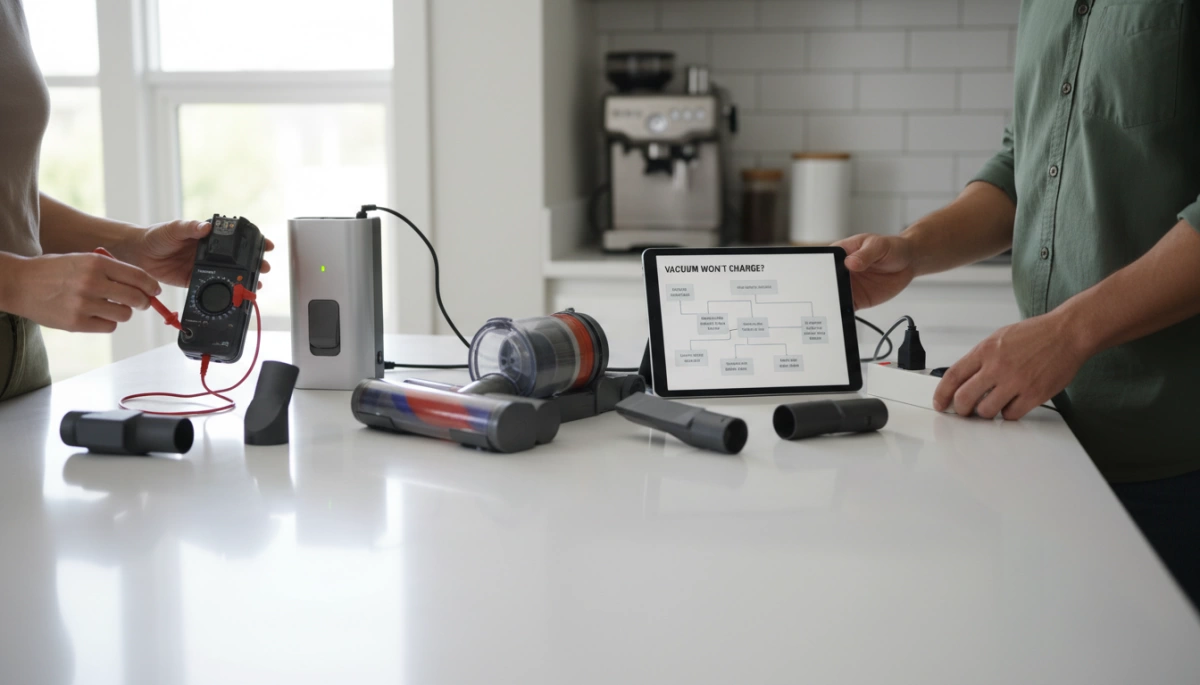
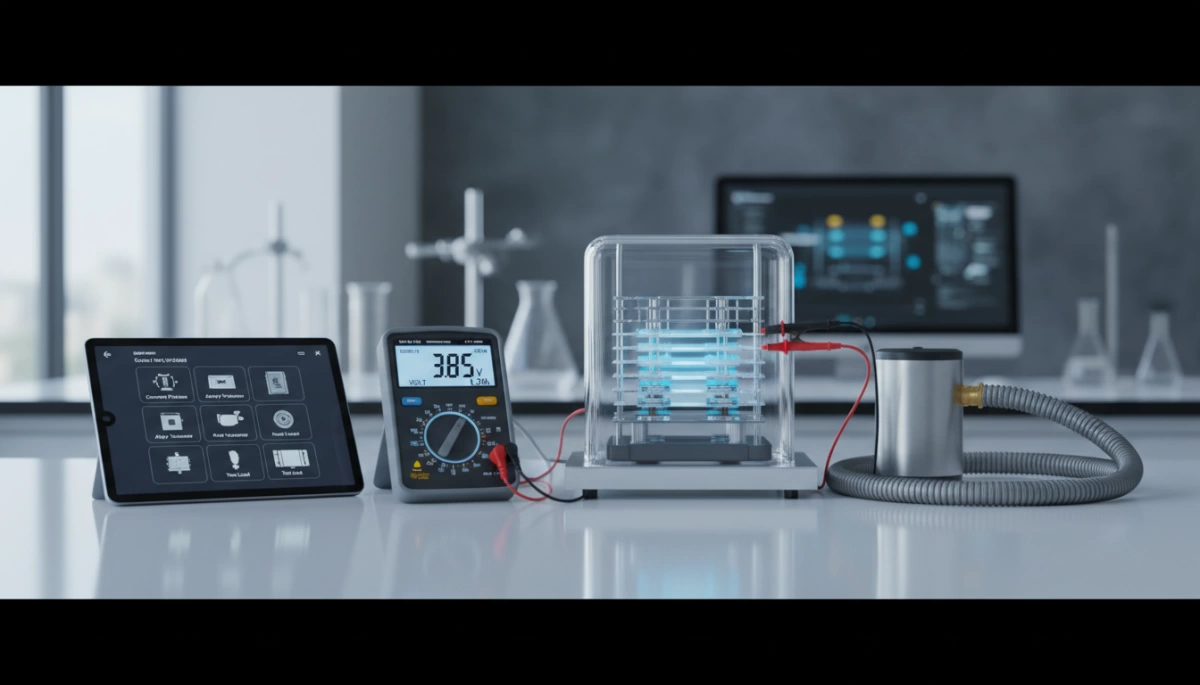
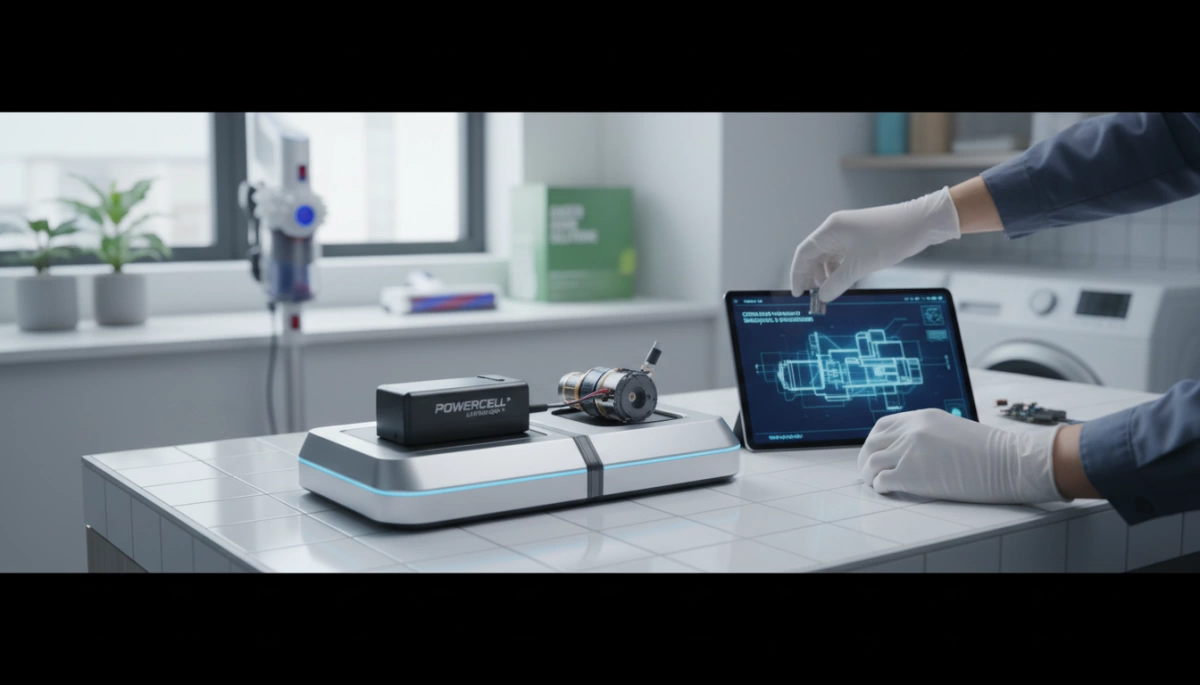
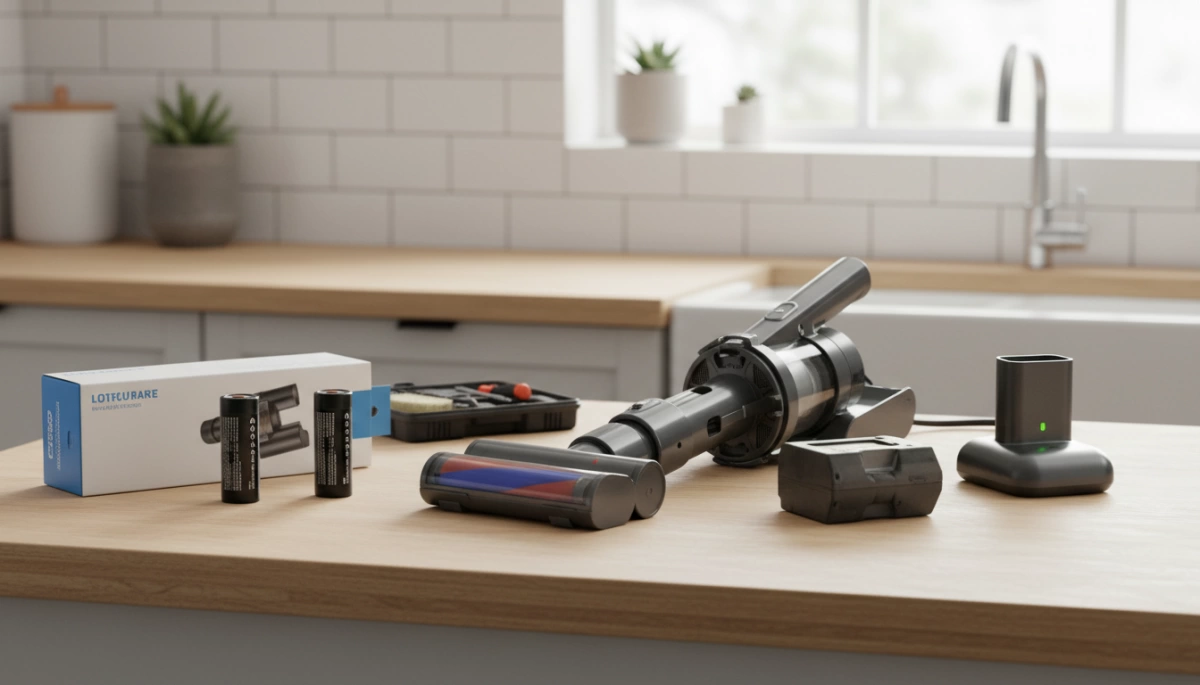
- Test the Charger: If you have a multimeter, check the voltage output of the adapter. If it reads zero or fluctuates significantly below the rating printed on the label, the adapter is the issue.
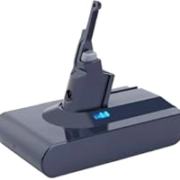
- Assess the Battery: If the vacuum turns on for a few seconds and immediately dies, or if the charging indicator lights up but the percentage never increases, you are likely looking at a cordless vacuum battery replacement.
- Physical Inspection: Check the battery casing for cracks, leaks, or swelling. It is vital to understand safety concerns with lithium batteries; if a battery pack appears swollen or damaged, stop using it immediately to prevent fire hazards.
The Benefit of Detachable Batteries: Van4NU Swappable Design
One of the biggest flaws in many modern vacuums is the integrated battery. When the cells eventually degrade, you are often forced to disassemble the unit or trash the entire machine. This is wasteful and expensive.
I designed the Van4NU lineup to solve this specific headache with a swappable battery pack.
- Extended Runtime: You can keep a spare pack charging while you clean, doubling your runtime.
- Instant Fixes: If a battery fails, you simply click a new one into place—no screwdrivers or technical skills required.
- Longevity: You replace a specific part rather than the whole appliance, keeping the vacuum in service for years.
Warranty Check: Verifying Manufacturer Coverage
Before you rush to buy an OEM charger vs generic replacement online, find your original receipt. Most manufacturers offer a warranty that covers the battery and motor for at least one year. If you are still within this window, contact customer support. They will often ship a replacement part free of charge, saving you the cost and guesswork of fixing it yourself.
Prevention: Keeping Your Vacuum Battery Healthy
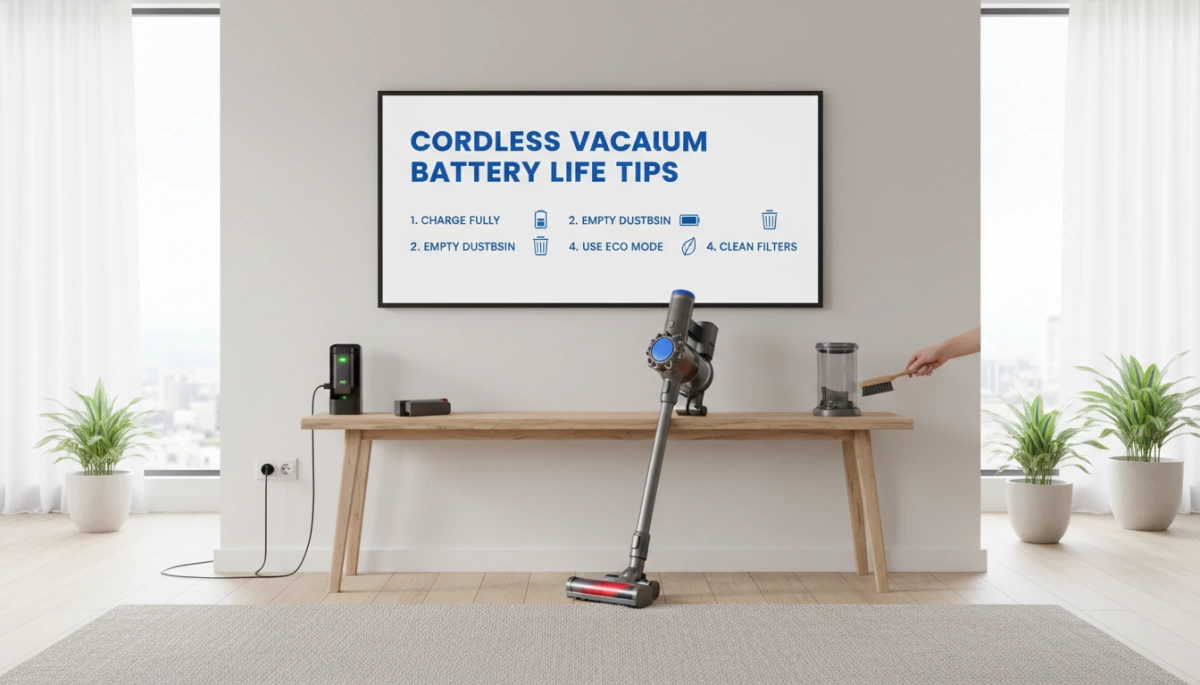
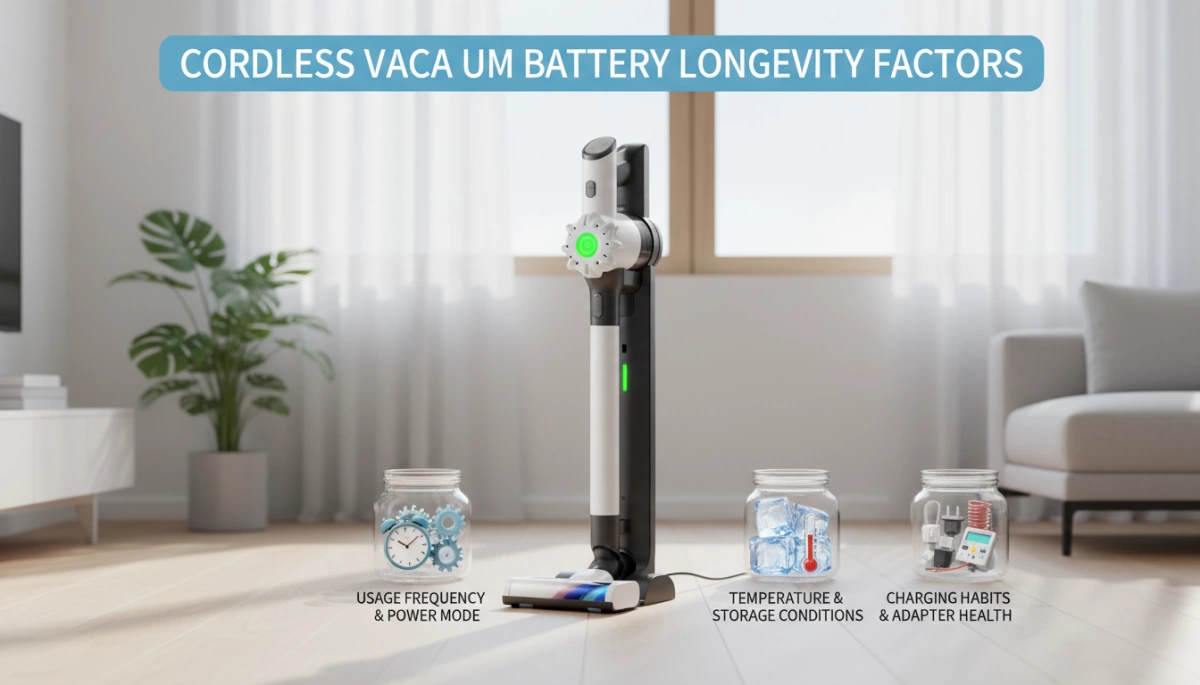
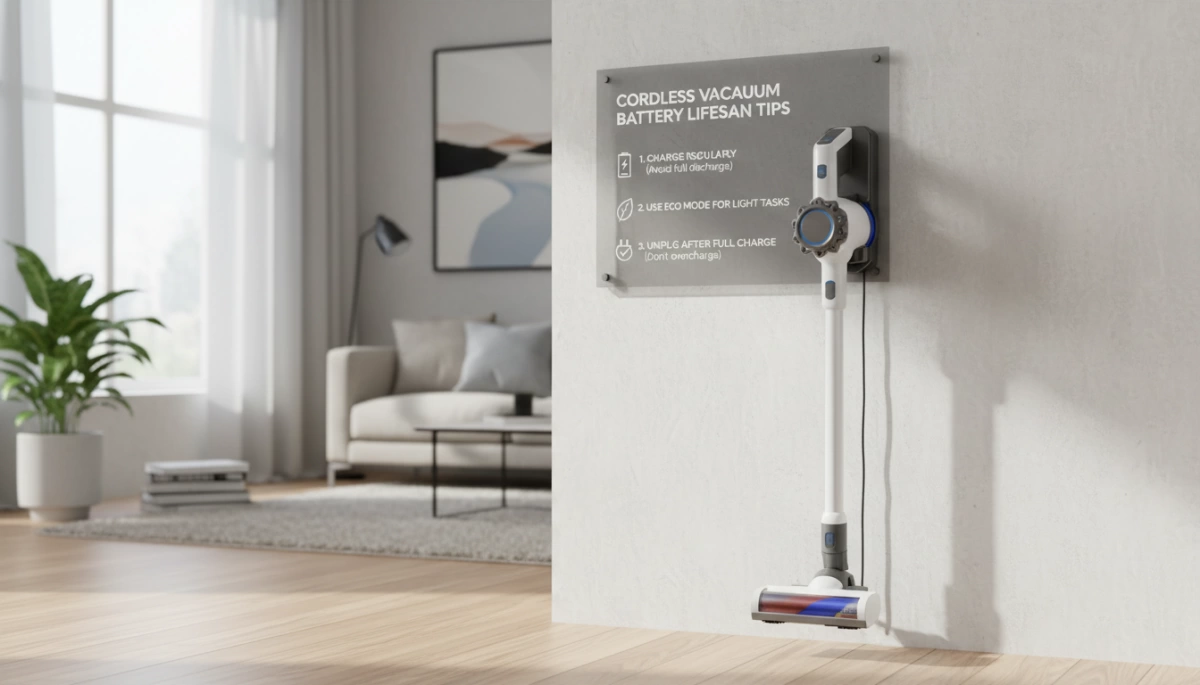
I always tell my customers that the best fix is making sure the problem never happens in the first place. Extending your Lithium-ion battery lifespan isn’t rocket science; it just takes a few consistent habits. By treating the power source with a little respect, you can avoid the frustration of a vacuum that refuses to hold a charge right when you need it most.
Storage Tips: Avoiding Deep Discharge
One of the quickest ways to kill a battery is to leave it at 0% charge for a long time. If you drain the vacuum completely and then toss it in a closet for a month, the voltage may drop below the critical threshold. Once this happens, the safety circuits inside the battery engage, and standard chargers will no longer recognize the unit.
- The Sweet Spot: If you aren’t using the vacuum for a few weeks, store it with roughly a 40% to 60% charge.
- Avoid Constant 100%: While convenient, leaving a battery on the charger 24/7 can stress the cells over years.
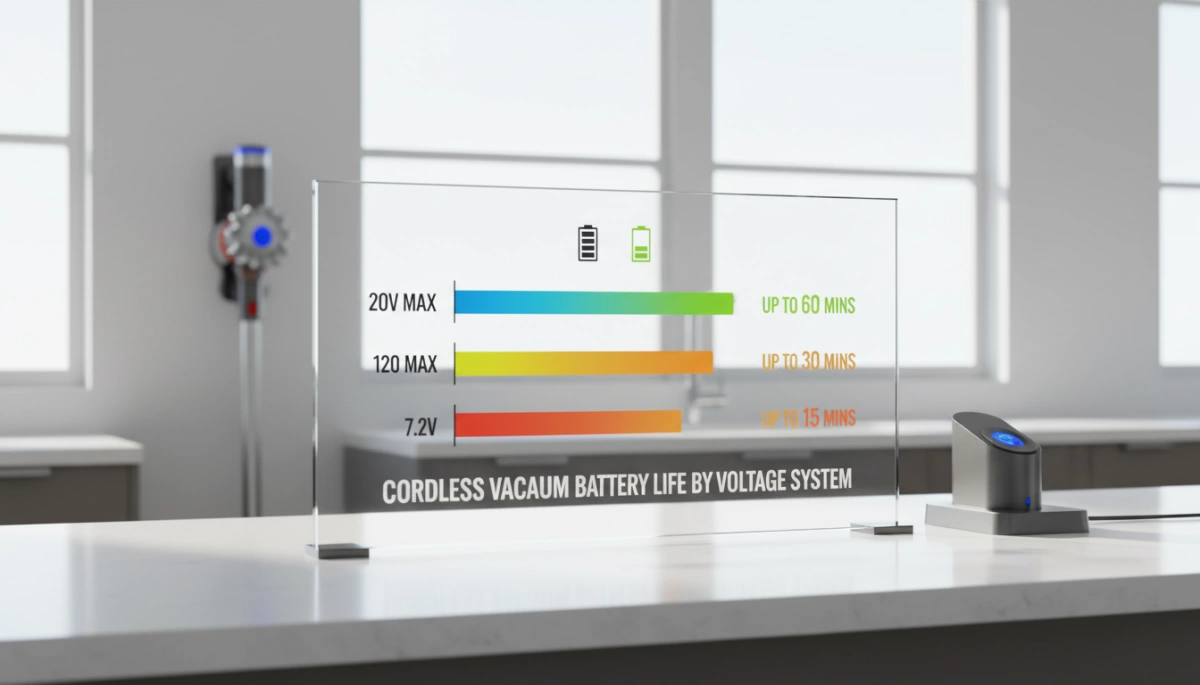
- Know Your Battery: Many cordless vacuums utilize a standard 11.1V lithium-ion battery pack similar to those found in other consumer electronics. Treating these packs correctly prevents premature failure.
Temperature Control
Batteries are incredibly sensitive to temperature extremes. I’ve seen plenty of perfectly good vacuums fail because they were stored in an uninsulated garage during winter or a sunroom in the summer. Extreme cold slows down the chemical reactions, making the battery appear dead, while extreme heat can permanently degrade capacity and trigger vacuum overheating protection mechanisms.
Best Practices for Environment:
- Store the unit at room temperature (between 65°F and 75°F).
- Keep the docking station away from direct sunlight or heat vents.
- Allow the battery to cool down after a heavy cleaning session before plugging it back in.
Regular Cleaning: Clean Charging Ports
Dust acts as an insulator. Since vacuums live in dusty environments, fine particles eventually coat the metal contact points on both the machine and the charger. This creates resistance, leading to slow charging or a complete lack of connection. I recommend you clean charging ports and docking terminals once a month using a dry microfiber cloth or a cotton swab with a tiny bit of rubbing alcohol. keeping these contacts shiny ensures the electricity flows without interruption.
Frequently Asked Questions About Vacuum Charging
Troubleshooting a dead vacuum often leads to the same few questions. Here are the quick answers to the issues I see most often when helping customers get their cleaning routine back on track.
Why is my vacuum blinking red while charging?
A blinking red light vacuum indicator is rarely good news, but it is not always fatal. It is the device’s way of telling you something is wrong with the Battery Management System (BMS) or the temperature.
- Overheating: If you just finished a turbo-mode cleaning session, the battery is likely too hot to accept a charge. Let it cool down for 30 minutes.
- Connection Error: The vacuum detects the charger but isn’t receiving stable power. Check for dirty contacts.
- Dead Cells: If the light blinks red instantly even when the unit is cold, the battery pack may have reached the end of its lifecycle and can no longer hold a charge.
Can I replace just the battery or do I need a new unit?
You rarely need to replace the entire vacuum cleaner. Most modern stick vacuums are designed with cordless vacuum battery replacement in mind.
- Detachable Batteries: If your model has a click-in battery, simply buy a spare and swap it out.
- Built-in Batteries: For older handheld units with internal batteries, replacement is harder but possible if you are handy with tools.
- Cost Analysis: A replacement battery usually costs \$40–\$80, whereas a decent new vacuum is \$200+. Replacing the battery is almost always the smarter financial move.
How do I know if my vacuum charger is broken?
Before buying a new battery, rule out the power adapter. A faulty charger is a common issue that mimics a dead battery.
- Listen: Put your ear close to the adapter brick. A buzzing or whining noise often indicates failing capacitors.
- Feel: After being plugged in for 15 minutes, the brick should be slightly warm. If it is stone cold, it is likely not drawing power.
- Test Voltage: If you have a multimeter, check the output. The power adapter voltage must match the label on the brick (usually between 20V and 30V for stick vacs).
- Inspect the Cable: Look for kinks or damage. Always stick to an OEM charger vs generic replacements, as cheap third-party chargers often lack the proper voltage regulation to charge high-capacity lithium cells safely.
Understanding the specific voltage requirements—similar to how you would match a 11.1v 3Ah 18650 lithium battery to its device—is critical for safety and longevity. If the charger puts out the wrong voltage, the vacuum’s protection circuit will simply refuse to charge.









 English
  German
  Spanish
  French
  Italian
  Polish
  Russian
  Thai
Thai  Turkish
  Japanese
  Korean